Associate the Script with a Bundle
You need to have the SuiteBundler feature enabled in your account to access the Bundle Builder where you complete this task.
To associate the script with a bundle:
-
Start the Bundle Builder.
-
If you are creating a new bundle, go to Customization > SuiteBuilder > Create Bundle.
-
If you are editing an existing bundle, go to Customization > SuiteBundler > Search & Install Bundles > List, and select Edit from the Action menu for the desired bundle.
-
-
On the Bundle Basics page, select a bundle installation script deployment from the Installation Script dropdown.
-
Proceed through the remaining Bundle Builder steps, making definitions as necessary, and click Save. Note the following:
-
On the Select Objects page of the Bundle Builder, you don't have to explicitly add the bundle installation script. This script record and the related .js file are included automatically in the bundle, as are any other .js files that are listed as library script files on the script record.
-
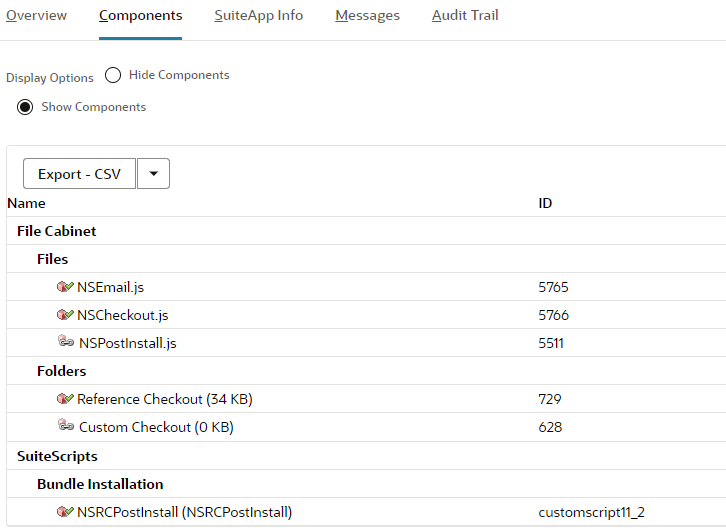
After the bundle has been saved, this script record and related files are listed as Bundle Components on the Bundle Details page.
-