File Format for Custom Record Icons
This topic describes the file format for custom record icons. For an overview of general requirements and file specifications, see Creating Icons for Custom Records.
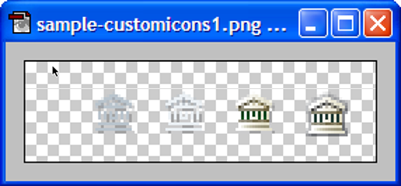
Save the icon image file as a 24-bit .png file with an 8-bit alpha channel for the transparent background. Your image editing application may refer to this file format as PNG-24. You should always use the PNG-24 format when saving your icon image file. Using .gif or .jpeg formats is discouraged due to their limited (or lack of) transparent backgrounds. Other image file formats aren't accepted.