Record Types
You can create custom record types to collect and store information not included in NetSuite. For example, your company may need to track computer and electronic equipment information. If there isn't a suitable standard record type in NetSuite, you can create a custom record type called Equipment. Next, add custom fields to collect and store the necessary equipment information. For more information about the platform tools supported by custom record types, see SuiteCloud Supported Records.
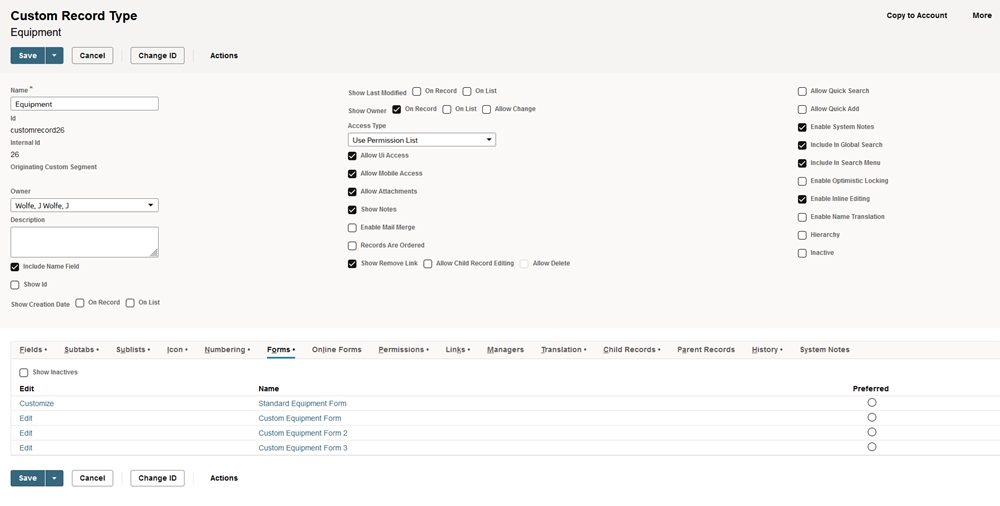
Custom records can be linked to standard records and other custom records, creating child record types. These child record types help track specific information that needs multiple fields on a record. For more information, see Parent-Child Record Relationships.
You can customize forms for custom record instances and set them up for different roles, as you can with standard transactions and records. When customizing a form, you decide which fields to display, how to arrange them, and which roles can use the form.
For an example of using custom record types, see Equipment Service Example using Custom Record Types.
For information about customizing the form used, see Customizing the Form Used to Enter Custom Records for the Equipment Service Example.