Testing the Hello World Script
Now that the script is deployed, you should make sure it runs as expected.
To test the script:
-
Check that the dialog alert pops up when it should:
-
Open a task record by going to Activities > Scheduling > Tasks > New.
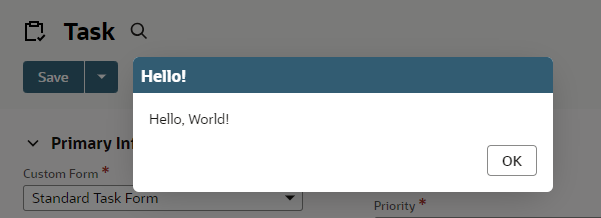
If the script is working properly, the system will show a dialog alert.
-
Confirm and close the dialog by clicking OK.
-
-
Check that the expected log entry has been saved to the script deployment record:
-
Go to Customization > Scripting > Script Deployments.
-
Find your deployment and click View.

-
Click the Execution Log subtab.
The subtab should show an entry like the following.

You'll also see the same entry on the Execution Log of the script record.
If there was an error, the error log entry you created would show up instead of the debug entry.
-