Upload Prebuilt HTML Content for Email and Landing Page Campaign Tactics
In Fusion Marketing Orchestration, marketers can upload externally created HTML content directly into email and landing page campaign tactics. This allows teams to use prebuilt HTML files as-is in campaigns without recreating the message design in the application.
During upload, the system scans the HTML to detect links and apply tracking, and it identifies personalization attributes so the required data sources can be configured for proper resolution. Marketers can enable or disable link tracking at any time, and email open tracking can also be turned off when needed.
Updates to uploaded HTML content must be made in the external content system and re-uploaded into Fusion Marketing.
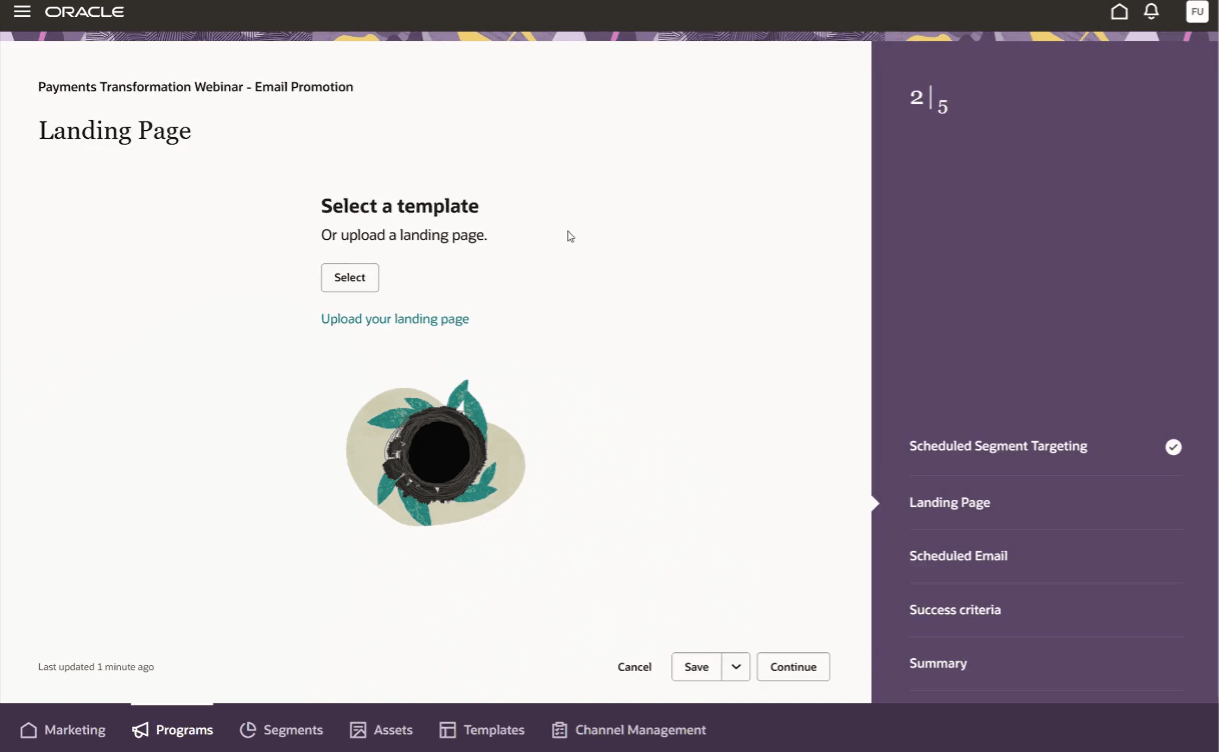
Upload HTML landing page
Business Benefits
- Reuse externally created HTML content in campaign tactics without rebuilding the design in the application.
- Reduce manual setup by automatically detecting links, applying tracking, and identifying personalization attributes during upload.
- Support tracking flexibility by allowing link tracking to be enabled or disabled and email open tracking to be turned off when needed.
- Help marketing teams preserve their preferred external design workflow while still using Fusion Marketing Orchestration campaign execution.
Steps to enable and configure
You don't need to do anything to enable this feature.
Tips and considerations
Try it out
- Create or open a program and add an email or landing page tactic.
- On an email or landing page step, choose the option to upload HTML content.
- Upload your HTML file. The maximum file size is 1 MB.
- After upload, review automatically detected links and tracking settings.
- Enable or disable link tracking as needed.
- For email only, enable or disable open tracking.
- Validate detected personalization attributes and associated data sources.
- Save and continue configuring your tactic.
Tips and Considerations
- Only HTML files are supported. Other file types are not accepted.
- Ensure your HTML file size does not exceed 1 MB.
- Links in the HTML are automatically instrumented for tracking during upload, but you can adjust tracking settings afterward.
- Personalization attributes in your HTML are automatically detected. Verify mappings to ensure accurate data resolution.
- Any changes to layout, content, or structure must be made in your external system and require re-uploading the HTML file.
- Test your uploaded content thoroughly to confirm tracking and personalization behave as expected before launching your campaign.
Access requirements
- Ensure users have appropriate roles:
- Marketing Message Management
- Marketing Specialist
Note: Requires Fusion Marketing Orchestration Add-on for Fusion Unity Data Platform. Please contact your account manager for more information.