Streaming Data Collection Enhancements
Streaming Data Collection now includes enhancements that simplify tag creation and provide greater control over data collection.
Administrators can now validate Event Tracker website URLs, enable or disable the Web and Apps module for non-production containers, enrich collected data using IP-based geo-location resolution, view more accurate container update timestamps, and configure plugins through an improved configuration experience.
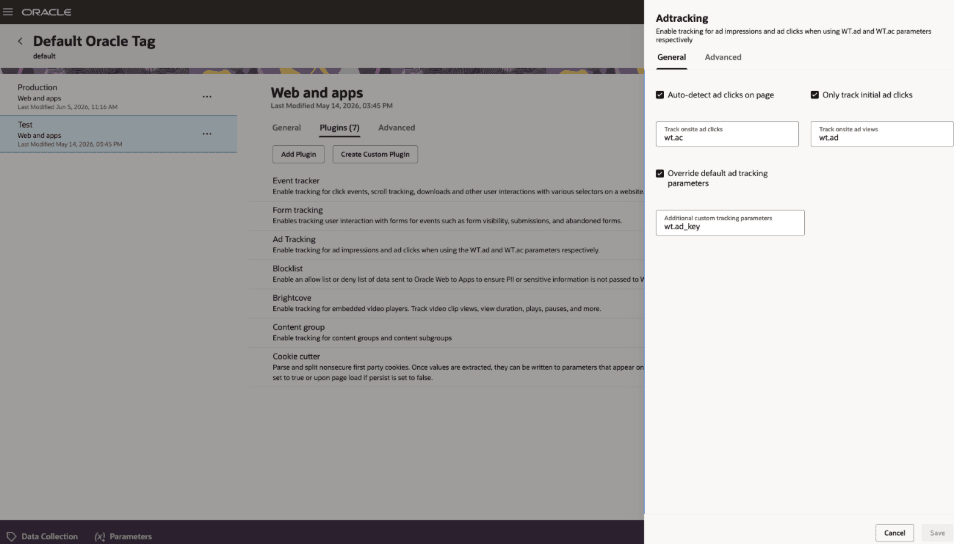
Enhanced plugin configuration experience
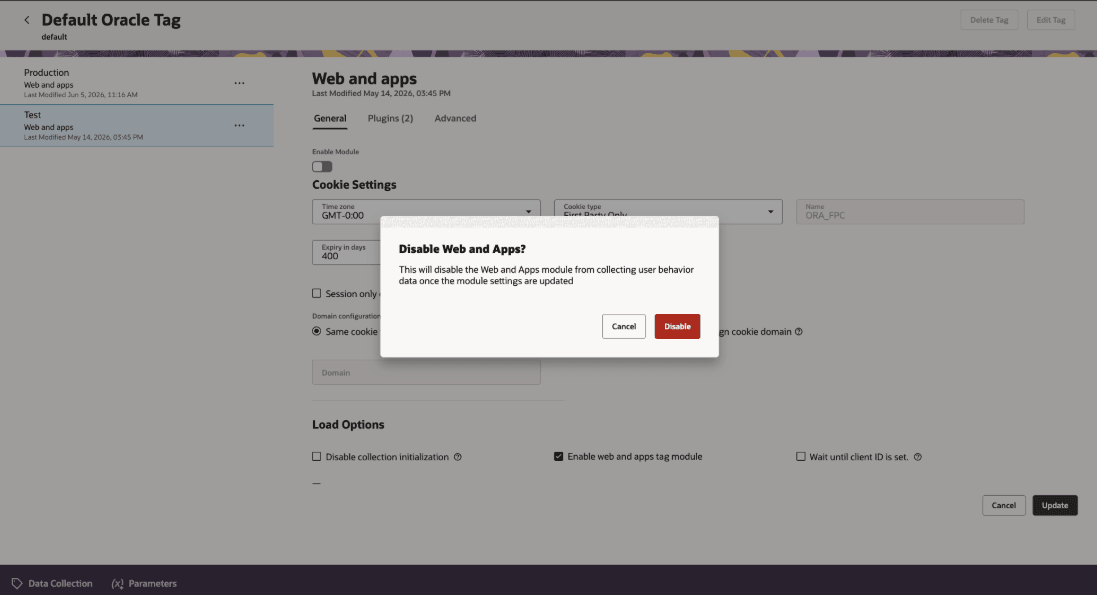
Disable Web and Apps confirmation
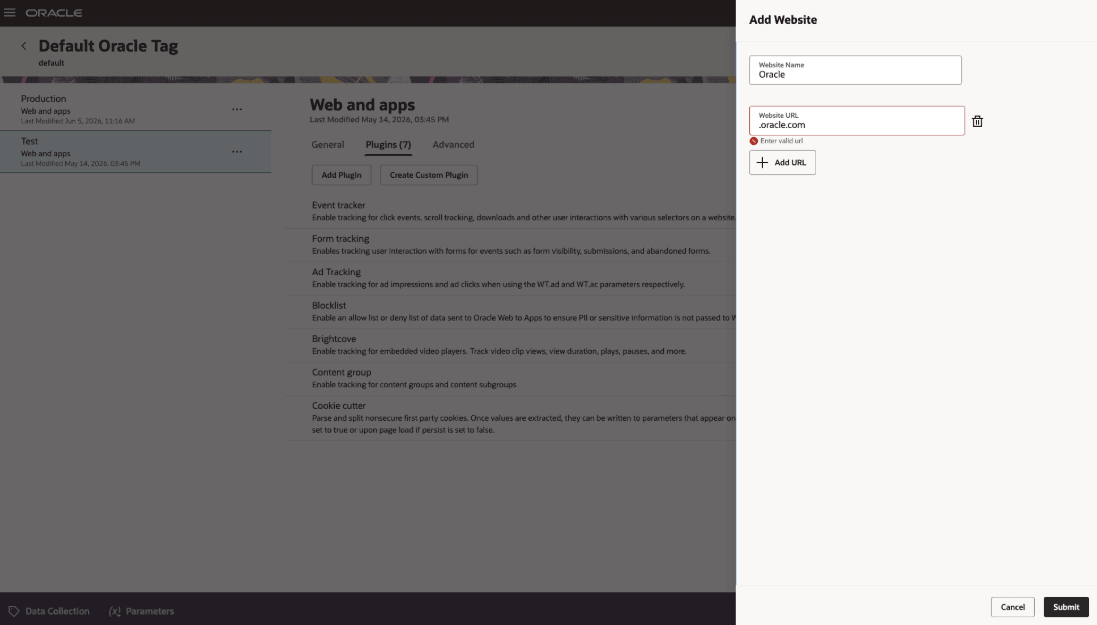
Event Tracker website URL validation
Business Benefits
- Improves data quality by enforcing valid website URL expressions in Event Tracker.
- Gives administrators more control over when Web and Apps data collection is active in non-production containers.
- Improves geo-location accuracy by resolving visitor location from the client IP address or request header while honoring IP masking requirements
- Improves operational visibility by reflecting the latest module modification in the container Last Updated timestamp.
- Simplifies plugin setup and management with a more user-friendly configuration experience.
Steps to enable and configure
You don't need to do anything to enable this feature.
Tips and considerations
Try it out
- Administrators can start using these enhancements in Streaming Data Collection by reviewing Web and Apps module settings, configuring plugins from the updated plugin experience, and validating website entries when adding Event Tracker websites.
- For non-production containers, administrators can toggle the Web and Apps module on or off from the container configuration. For data collection endpoints, administrators should review IP resolution settings to align with their organization's privacy and compliance requirements.
Tips & Considerations
- Web and Apps Module:
- The Web and Apps module is enabled by default.
- Disabling the Web and Apps module stops data collection for that module after the module settings are updated.
- Turning off the Web and Apps module displays a confirmation message before the change is applied.
- In view mode, enabled modules are shown in green and disabled modules are shown in grey.
- Website URL validation helps reduce configuration errors by preventing invalid URL entries.
- IP-based geo-location:
- Geo-location resolution can use the client IP parameter or request header IP fallback, controlled by query parameter behavior.
- IP-based geo-location resolution honors IP masking requirements.
- Plugin configuration supports up to 20 plugins in the enhanced configuration experience.
Access requirements
- Ensure users have appropriate roles:
-
- Customer Data Platform Administrator (ORA_FMK_CUSTOMER_DATA_PLATFORM_ADMINISTRATOR_JOB)
- Customer Data Platform Manager (ORA_FMK_CUSTOMER_DATA_PLATFORM_MANAGER_JOB)
-