Data Import Configuration and Processing
Import high-volume student and academic data from external systems. Administrators can define file layouts, load CSV files to staging, validate records, and process approved data into production tables to support recurring bulk imports for supported Student Management business objects.
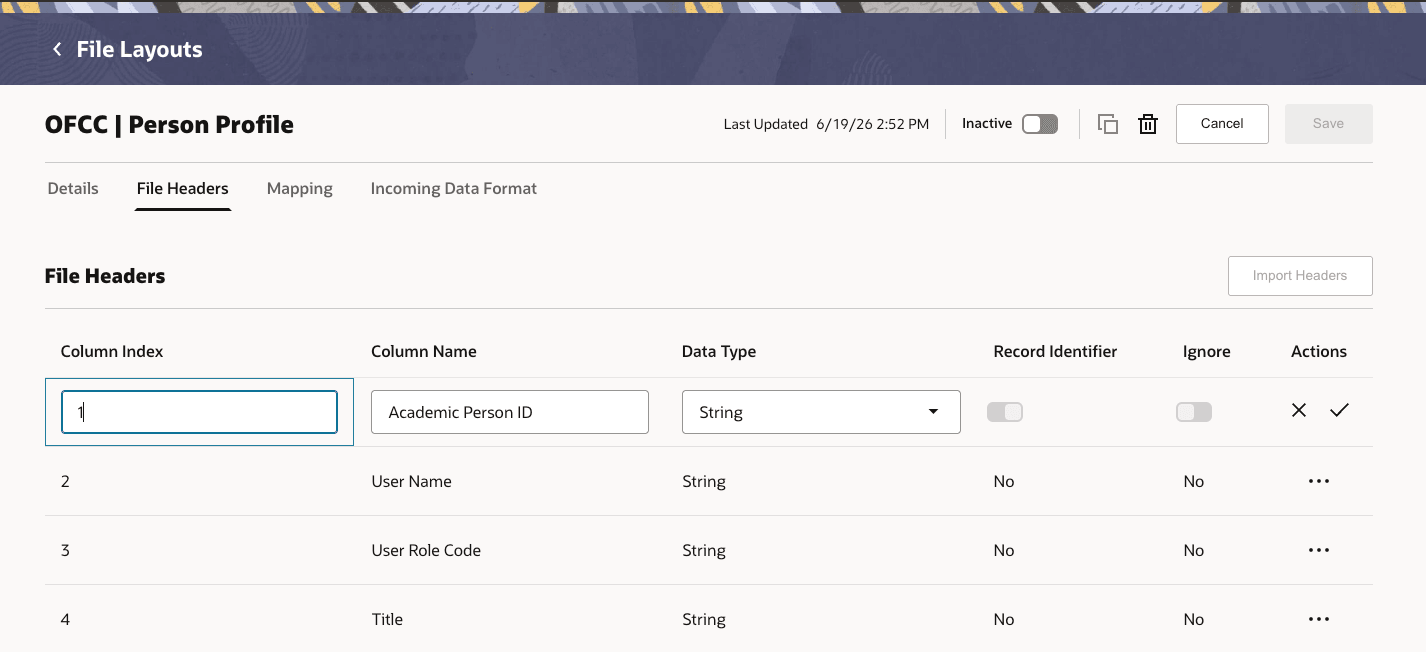
File Layout Header
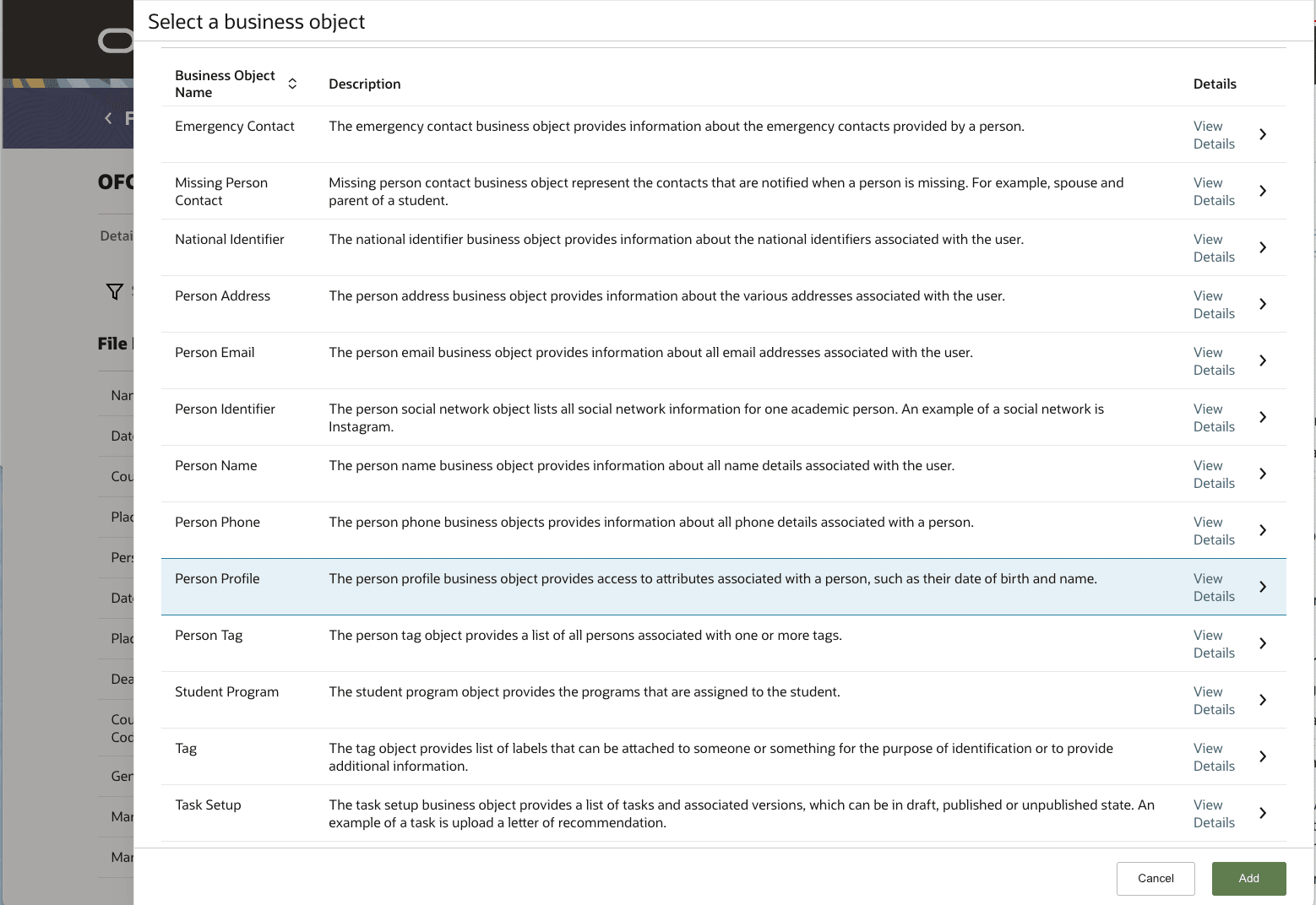
File Layout Business Object Selection
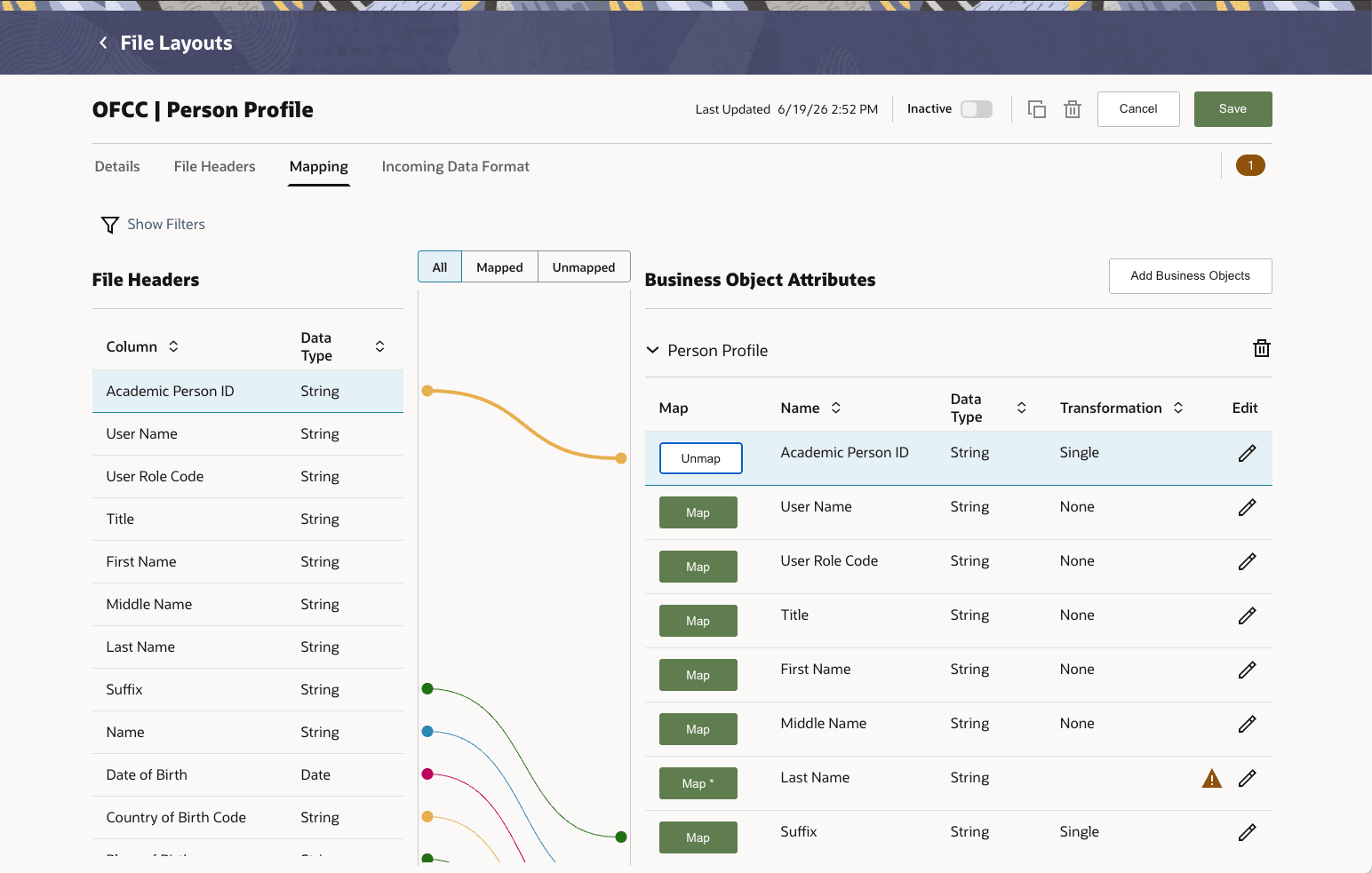
File Layout Mapping
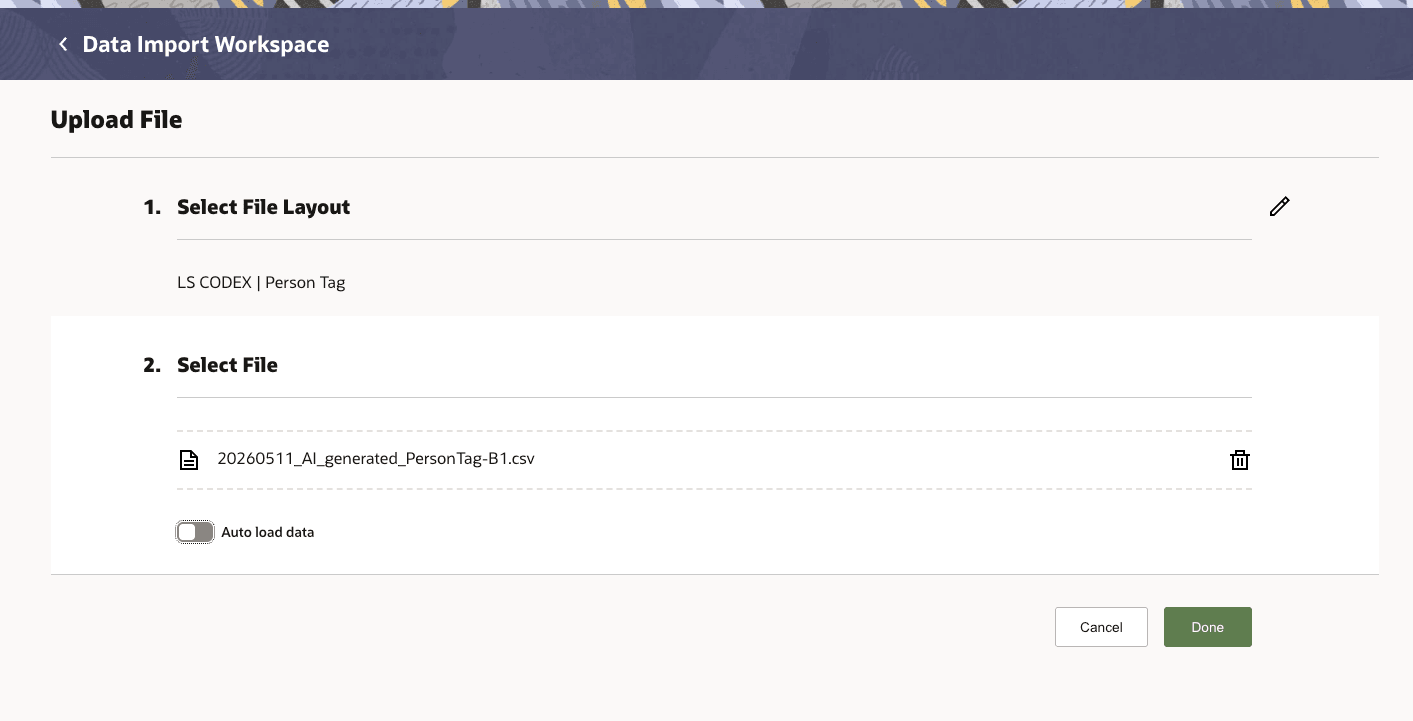
File Upload
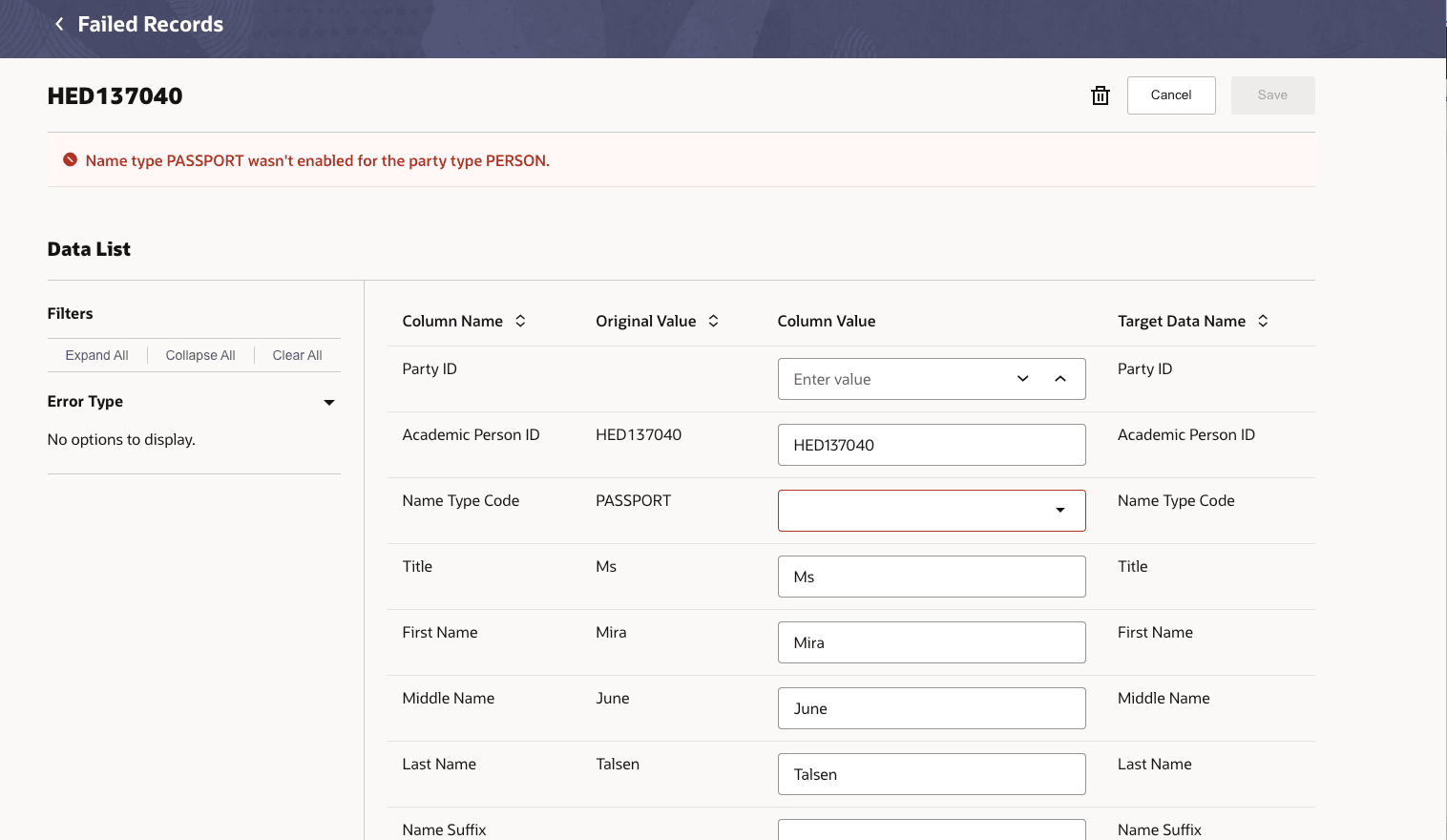
Manage Uploaded Records
Institutions can support recurring, high-volume imports for supported Student Management business objects with a configurable process rather than a one-off file-by-file approach. Administrators can define the structure of expected files, map file headers to business object attributes, define supported transformations, and migrate setup through Functional Setup Manager. Data uploaders can see which files are processing or processed, inspect validated and failed record counts, and work failed records without leaving the Data Import experience.
Steps to enable and configure
Before importing data files, file layouts must first be created and configured. File layouts define the expected file headers, accepted formats for typed fields such as number/date/Boolean, mappings to business object attributes, transformations, validations, and load rules.
If needed, data transformation configurations must also be set up.
If desired, configure communication template content to send a confirmation for processed files.
Access requirements
Data import access should be granted only to users who are allowed to configure layouts, upload files, validate staged data, or correct failed records. Use the following duty roles or configured duty roles with equivalent privileges to grant access to these capabilities:
- Data Import Configurator:
- Manage and configure data import file layouts
- Data Upload Analyst
- Initiate data load transformation and validation
- Upload files for import
- Manage common staging data for data loads
- Manage file import and export
- Manage imported records for data loads
- Process data loads
- Transfer file
- View data import file layouts