Academic Data Query Management for Population Selection
Create and manage academic data queries using a configurable query management user interface. Users can define groups of students, applicants, and other academic data by selecting multiple business objects, configuring join conditions, defining filters, and creating subqueries. Select result columns from each business object and configure flexible query criteria using any or all matching conditions. Save and secure queries for reuse, manage queries from a centralized management page, and define queries that can be referenced by other queries. Queries can be created for integrated downstream processes, such as task assignment and task status updates. More processes will be integrated with data query capabilities in future releases.
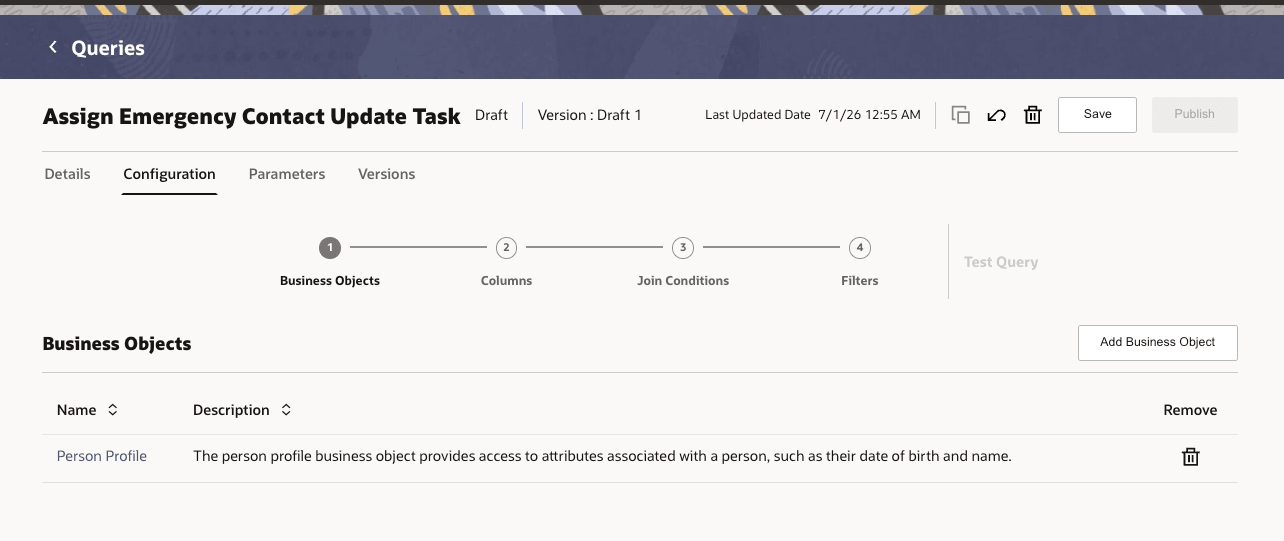
Query Business Object Configuration
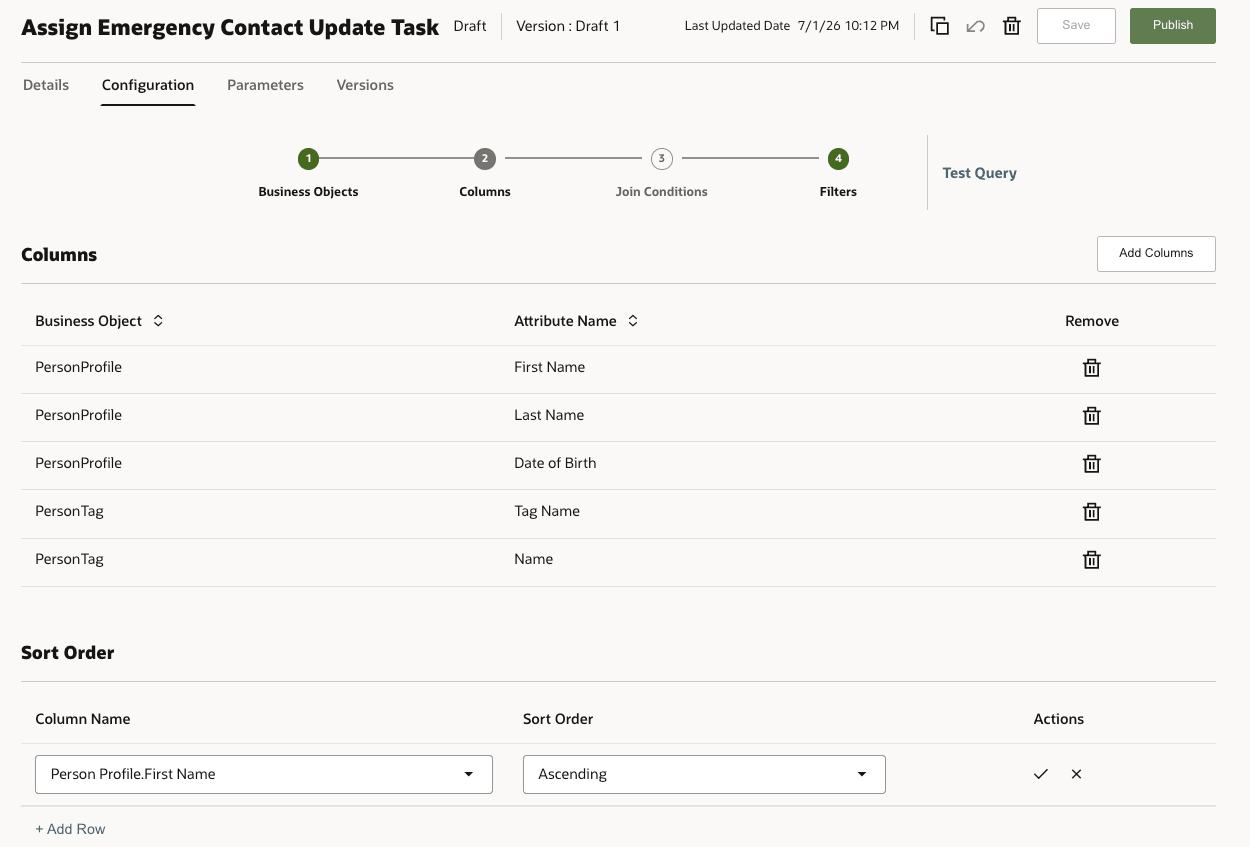
Query Column Configuration
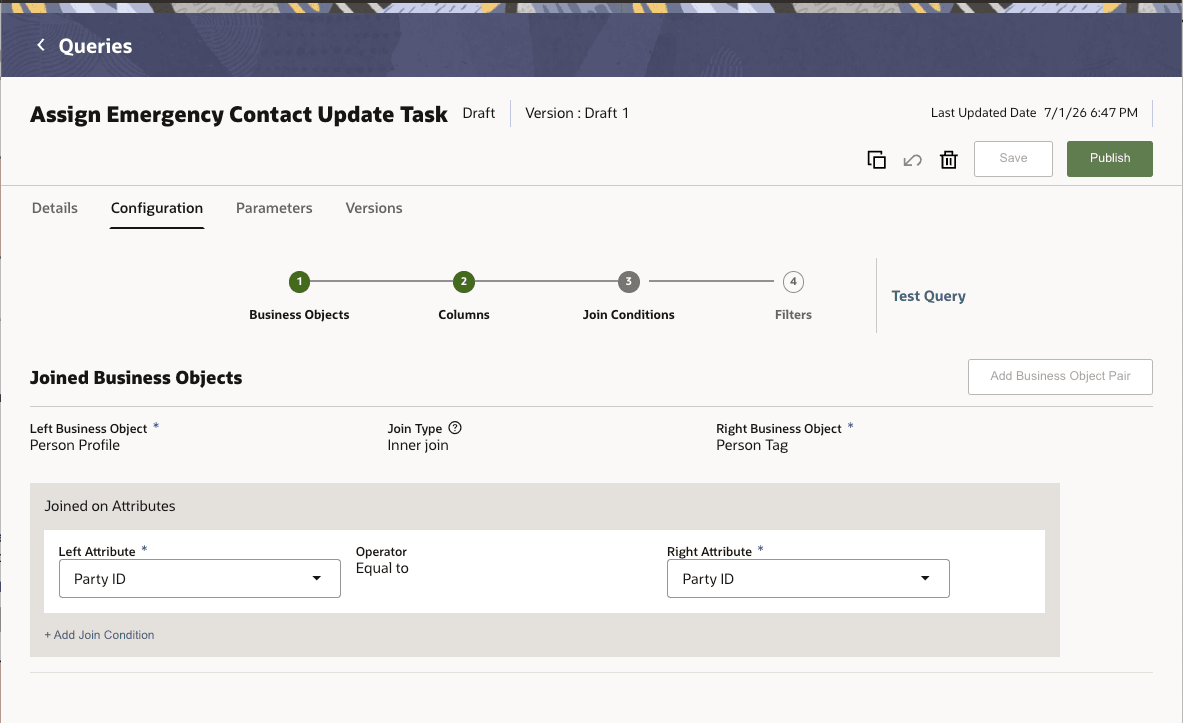
Query Join Conditions
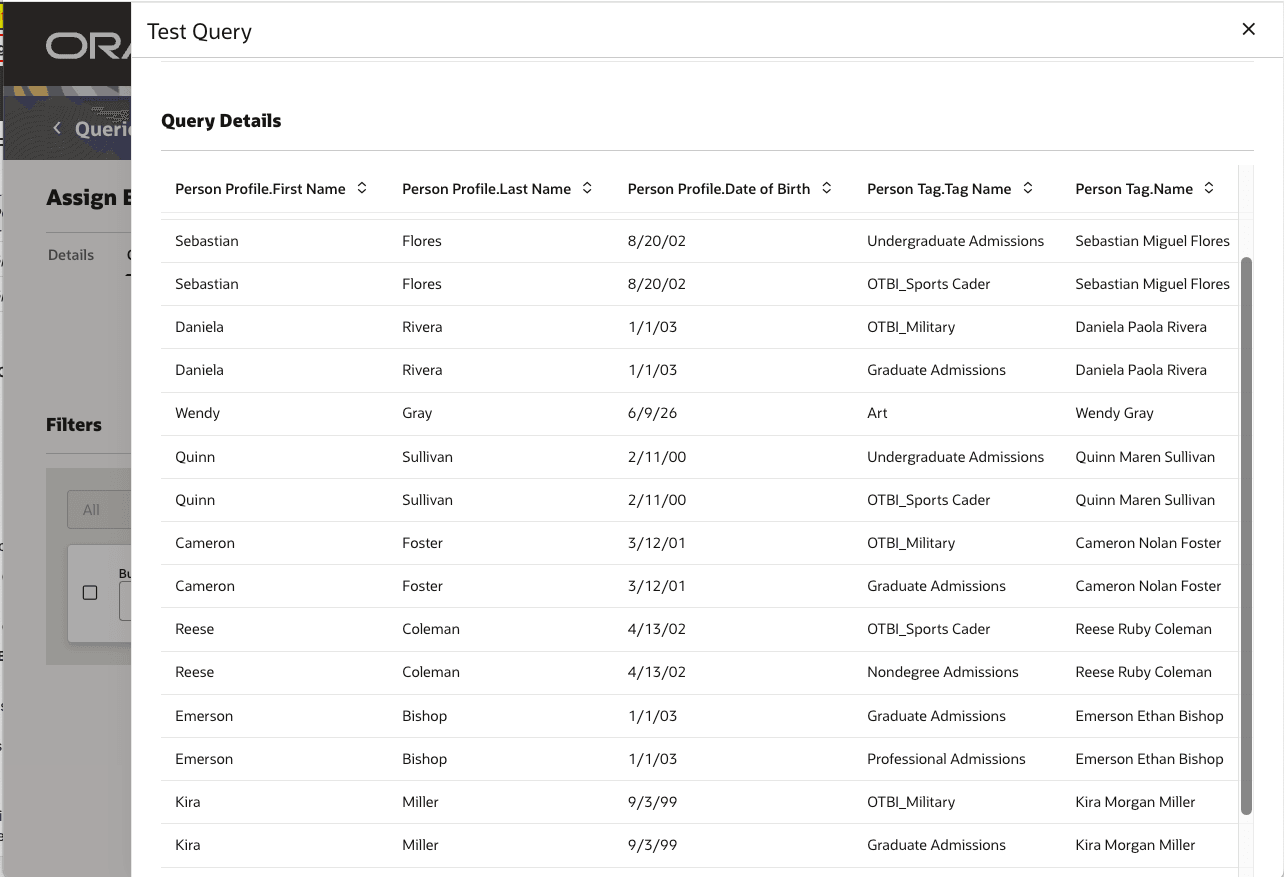
Query Test Results
Data queries provide a configurable way to create academic data queries without custom development for each use case. Users can:
- Select one or more business objects or resources as query sources.
- Configure join conditions when multiple resources are selected.
- Select result columns and sort order.
- Configure simple or grouped filters using all or any matching logic.
- Use bind parameters so filter values can be supplied at runtime.
- Create subqueries that can be selected in another query's filter.
- Test query results before publishing.
- Publish, unpublish, duplicate, delete, and create new draft versions based on role access.
- Export and import published queries as part of migration readiness.
Steps to enable and configure
You don't need to do anything to enable this feature.
Tips and considerations
- Queries can be created for shared reuse, ad hoc usage, or a specific consuming process. Process-specific queries may require result columns that match the consuming process parameters.
- At least one resource and at least one result column are required before a query can be saved. Some process consumers may make specific columns required.
- When multiple resources are selected, join conditions must be valid. Users may need to provide join conditions when the selected resources cannot be joined automatically.
- Filters narrow query results. Queries without filters can return large result sets.
- Filter groups support all or any logic. The source documentation restricts nested grouping beyond the supported grouping level.
- Bind parameters make queries reusable by allowing runtime values, such as institution, campus list, date range, or contact type, to be supplied when the query runs.
- Subqueries are independent queries that can be used in a main query filter. A subquery must exist before it can be selected, and it must be published before a main query that depends on it is published.
- Subqueries support single-column single-row or multi-row use cases. Multiple-column, correlated, and nested subqueries are not supported in the documented scope.
- Versioning allows users to test draft changes before publication. After publication, users can create a new draft version for incremental changes while preserving the query contract required by consuming transactions.
- Published queries can be unpublished to deprecate them. Queries used by transactions or by other published queries may have edit, delete, publish, or unpublish restrictions.
Access requirements
Use the following duty roles or duty roles configured to have similar privileges to control access to this feature:
- Query Viewer - View and test a query
- Query Configurator - Configure a query
- Query Approver - Publish or unpublish a query version