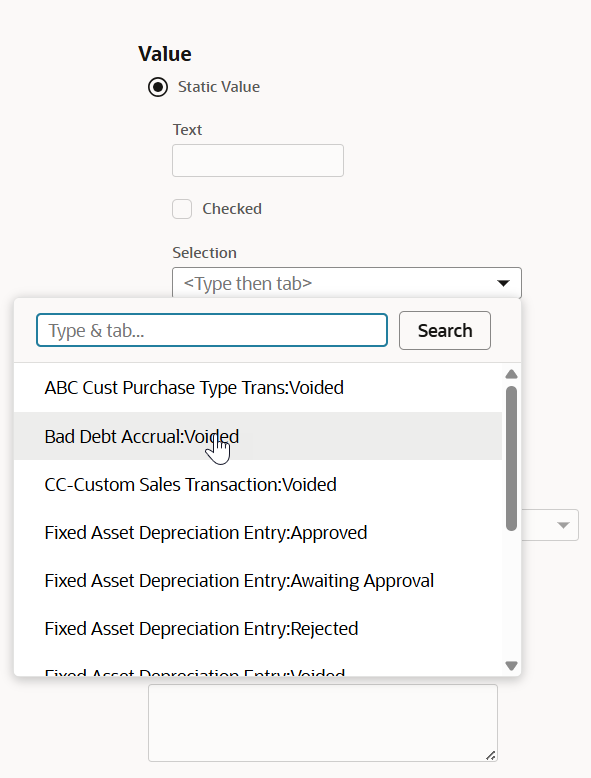
Referencing Status in a Transaction Type Workflow Action
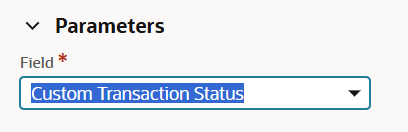
For certain types of workflow actions, you may want to reference the status of a custom transaction type. In these cases, you can identify the status by using the Parameters section of the Workflow Action page. To reference the status field, set the Field value to Custom Transaction Status.
If you're using the Set Field Value action, you can choose the Static Value option and select the status from the Selection list. The list shows all available custom transaction statuses, organized by custom transaction type. Select the appropriate combination of transaction type and status.