Review a Property Graph Using Graph Assistant
You can use Graph Assistant to review a property graph after it has been loaded into the Modeler.
- Click Review graph above the message box.
Note:
Graph Assistant can review or modify only the graph that is currently loaded in the Modeler. If you create a graph draft using Graph Assistant, click Use to load the generated graph into the Modeler. Until you click Use, the graph DDL is not available and Graph Assistant cannot review or modify the graph.The summary of the property graph that is loaded in the modeler is retrieved and displayed for your review.
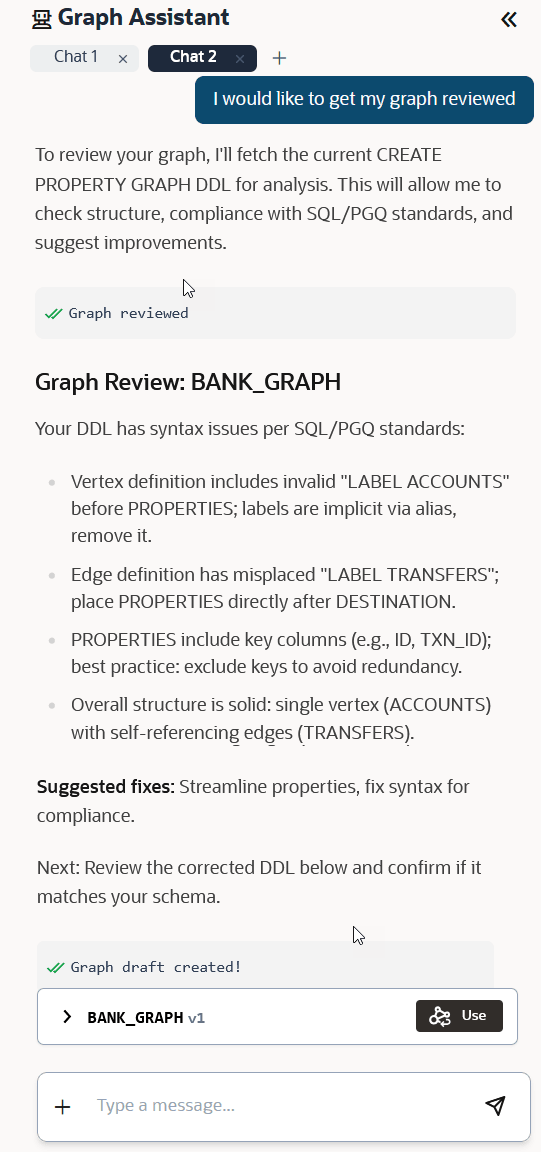
Description of the illustration modeler_graph_assitant_review_graph.png