Generate a Graph with AI
Graph Studio leverages Oracle's SELECT AI capabilities, which utilize Large Language Models (LLMs), to efficiently define and generate a property graph from the database tables that you selected in the Select Tables step of the property graph wizard.
Before you begin, note the following:
- Ensure that you have an AI profile set up and enabled in your Autonomous AI Database instance. See Manage AI Profiles to create an AI profile.
- See Create a Property Graph from Existing Relational Tables for instructions on getting started with the property graph
wizard, selecting the source database tables, and choosing to create a graph in
AI mode.
The Generate with AI slider gets displayed as shown:
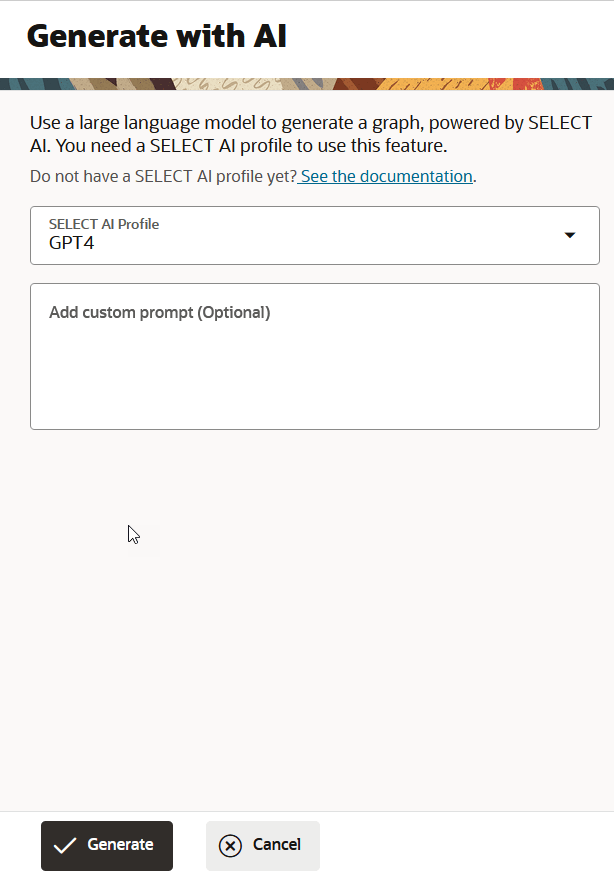
Perform the following steps to continue generating the graph with AI: