Add a Throw Fault Action
The throw fault action can be used to create and throw your own faults when the robot should intentionally raise a fault. This is useful when the flow detects a business validation issue, reaches an unrecoverable condition, or needs to pass an error from a fault handler back to the parent flow.
Use Cases
Scope introduces a try/catch container on the canvas. Actions placed inside the Scope body execute as the primary execution path. If a child action throws an exception, execution transfers to the first matching exception handler. If no matching handler is found, the exception propagates to the parent flow. By configuring a fault handler using the Throw Fault action, you can:
- Isolate brittle UI steps such as downloads or pop-up handling without failing the whole flow.
- Provide alternate remediation (refresh page, reopen browser, load backup data) only when a known issue occurs.
- Keep test evidence readable by showing which branch executed directly on the canvas playback timeline.
See Add a Scope.
Add a Throw Fault Action
Note:
You must use the low-code capabilities to add this action to a robot. Keep reading for step-by-step instructions.-
Add the action
to the robot.
-
On the canvas,
point to an action, and click
+.
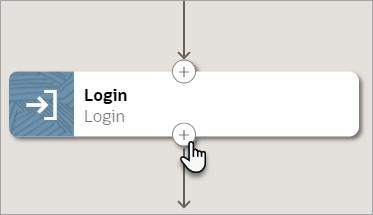
A menu of available actions appears.
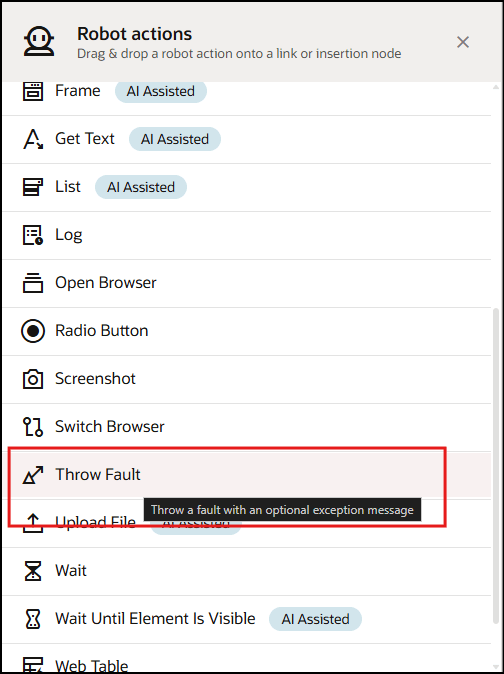
-
On the canvas,
point to an action, and click
+.
- Click within the Reason field to enter an optional message, expression, or variable that explains why the fault is being thrown.
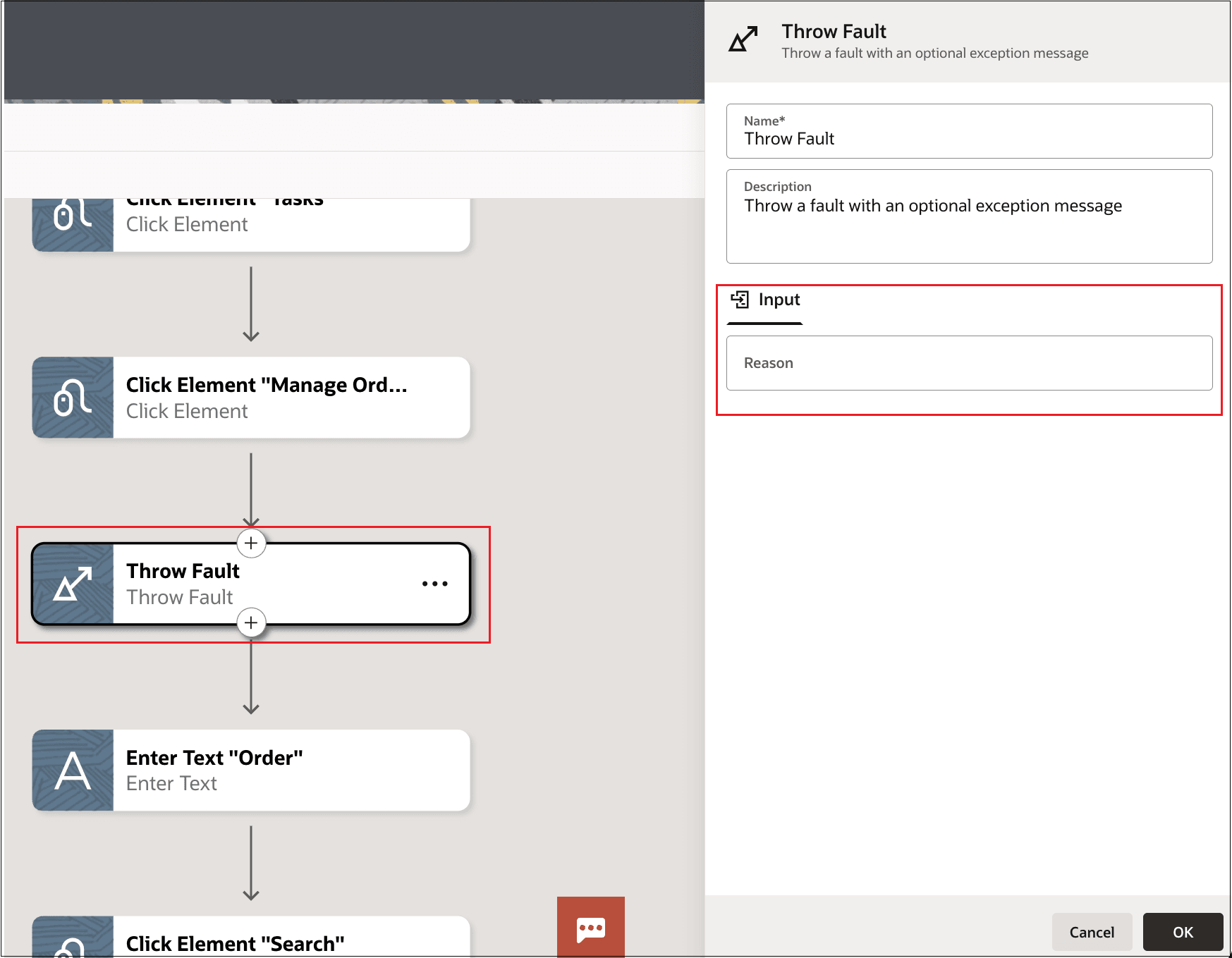
- To route the thrown fault to a custom fault handler, use a Reason field value that includes the custom fault name configured for that fault handler.
- To re-throw an error from inside a fault handler, set the Reason field to the system-defined exception variable after completing any logging or cleanup actions.
Note:
If the Reason field is empty, the robot raises a generic fault. If a reason is provided, the robot raises the fault with that reason in the failure message. If the fault is not handled by a matching fault handler, it propagates to the parent flow and can fail the run.