Test the Authorization Profile
You should test the authorization profile that you have created before you enable it for usage. In this section, you'll test the Microsoft EntraID authorization profile. When the authorization profile is successfully set up, you will enable it from the Oracle GoldenGate Authroization Profile page in the Service Manager.
-
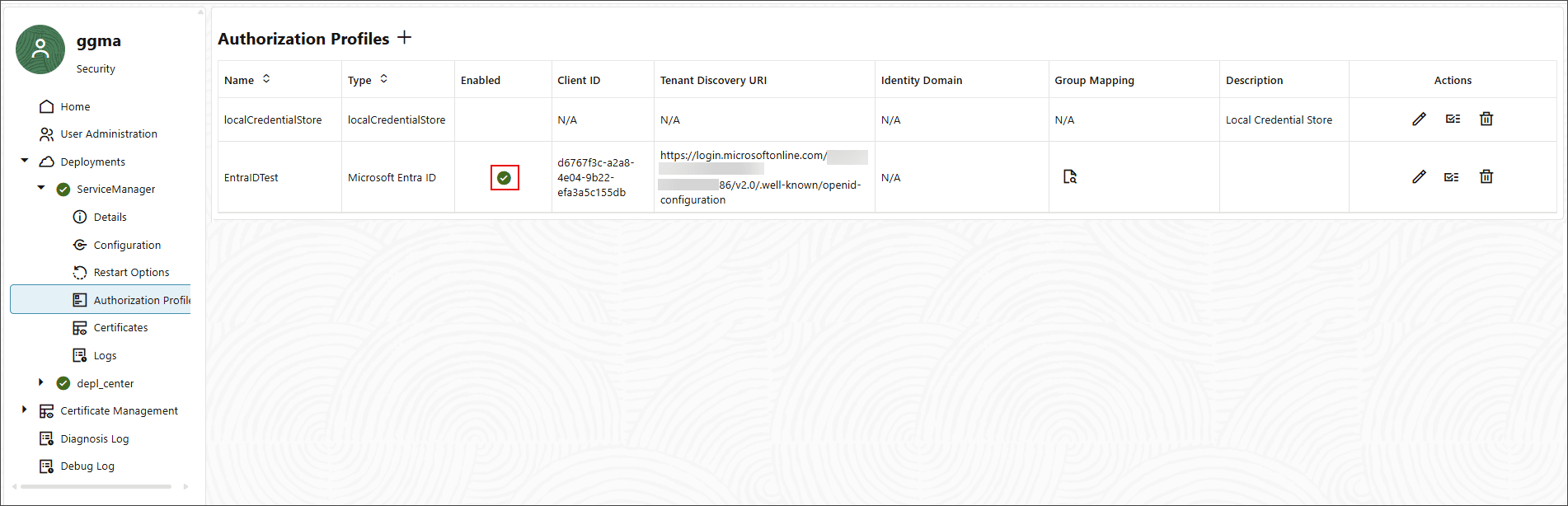
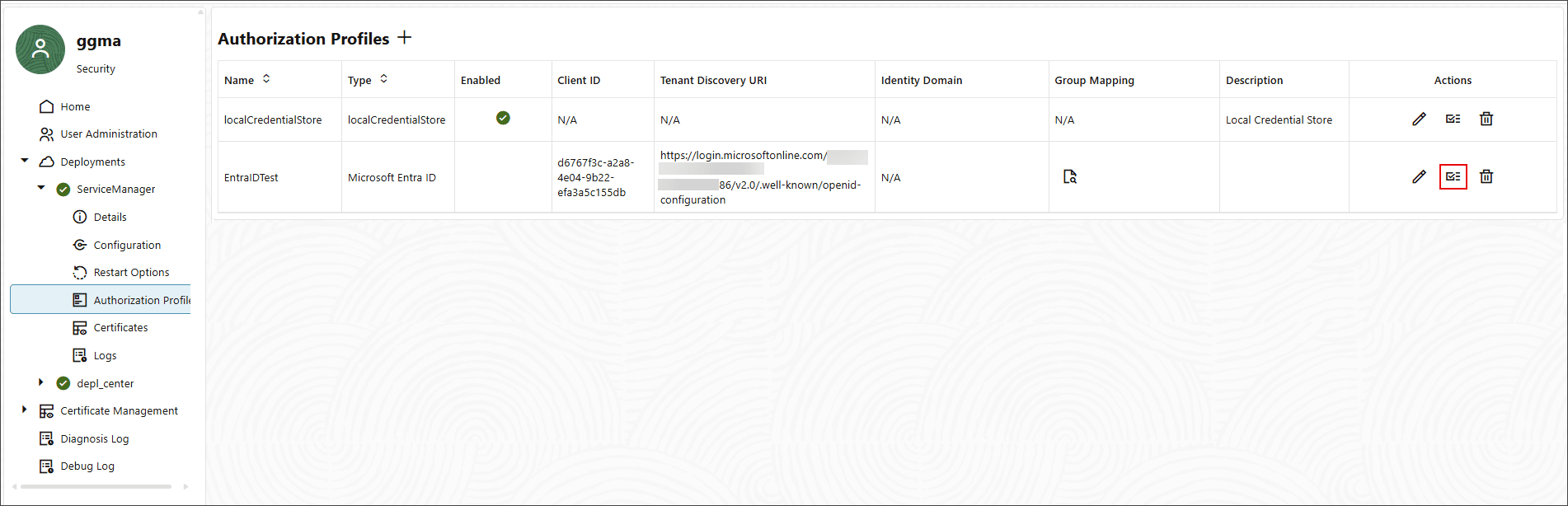
Log in to Service Manager and navigate to the Authorization Profile page. The Microsoft EntraID authorization profile is listed on this page.
-
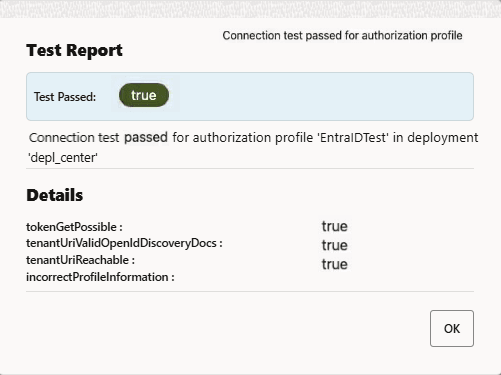
Click the Validate profile icon. After the profile is validated, you will see a dialog box similar to the following:
-
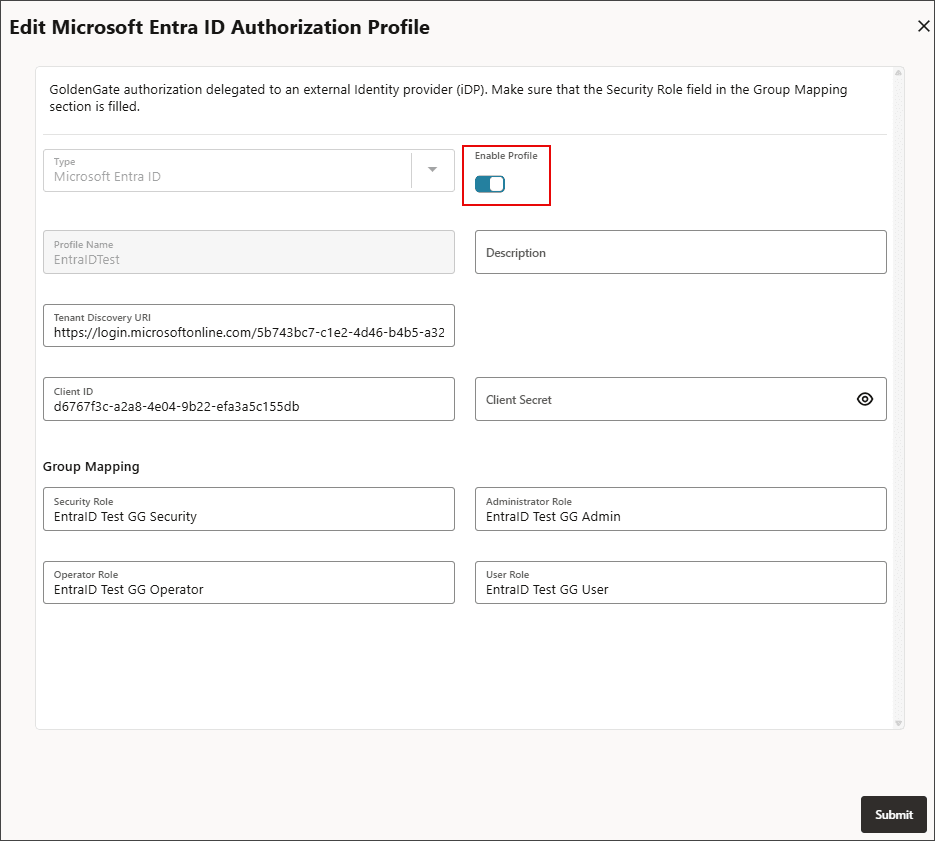
Click the pencil icon in the Action column of the authorization profile and select Enable the authorization profile.
The Enabled column displays the status of the authorization profile.