GPS Location for MDM-Enabled Devices
GPS location lets you review the last reported position of an MDM-enabled device. GPS location gets updated every 60 minutes without changing the deployment location that Oracle ECP uses for inventory mapping. You can view the current device position relative to its deployment location.
On the device Location tab, Oracle ECP can show two location markers: a pushpin marker for deployment location and a blue dot for GPS location. Selecting the blue dot opens a pop-up that shows latitude, longitude, address, and the last updated time. If a GPS-location address is not available, the pop-up shows -- for Address.
Figure 8-8 Device Location Tab Showing GPS Location
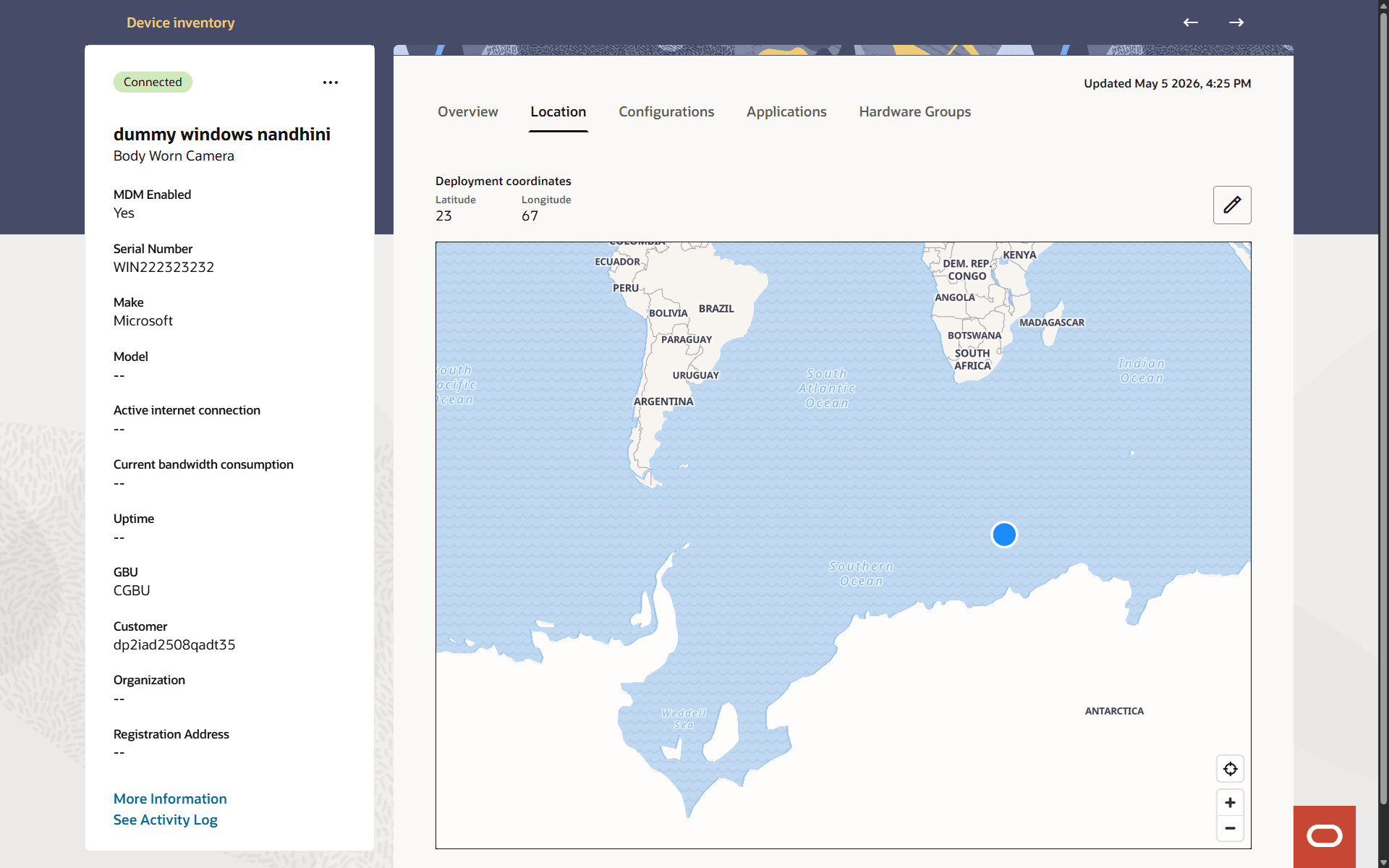
By default, the GPS-location marker appears as a steady blue circle. You can change the marker to blink in My Settings. Oracle ECP does not use a blinking indicator by default because of accessibility requirements.
Deployment location continues to represent the physical deployment site that Oracle ECP uses for deployment mapping. GPS location appears only on the device Location tab. It does not appear in Inventory Map View.