Access an Edge Configuration Template
Use this section to navigate to the Edge Configuration Templates page.
You can access configuration templates in either of these ways:
- Click the O-tag icon in the lower-right corner, and then click Edge Configuration Templates.
- Use the navigation bar and click Edge Configuration Templates at the bottom.
Figure 14-1 Configuration Templates for Edge Nodes page
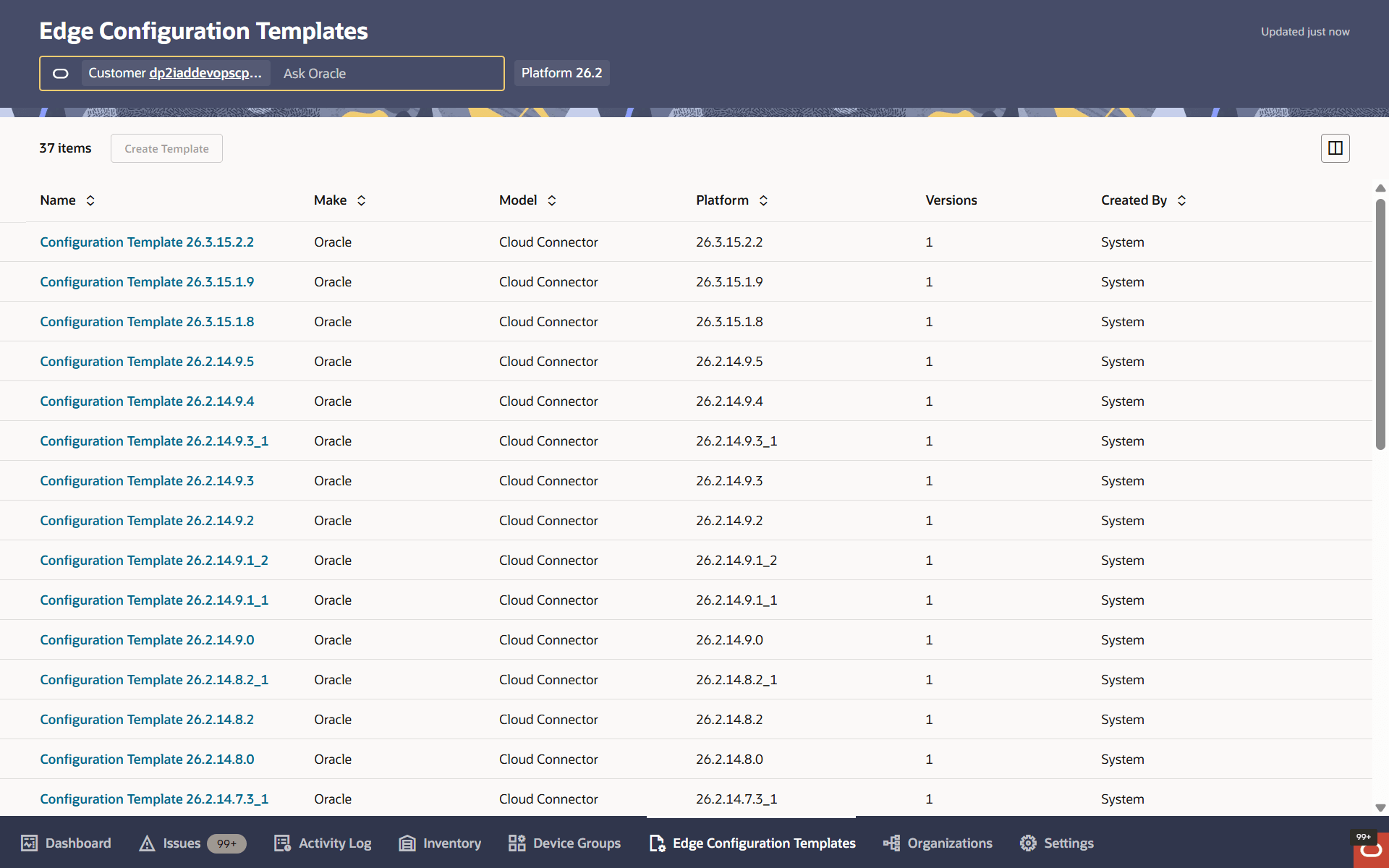
Oracle ECP opens the Edge Configuration Templates page.