Redwood Experience: Walk-in Registrations for Hiring Events
Let unregistered, walk-in candidates register and check in to hiring events through a single flow, directly at the check in kiosk.
When event owners create new events, they select a new checkbox called Enable walk-in registration for this event.
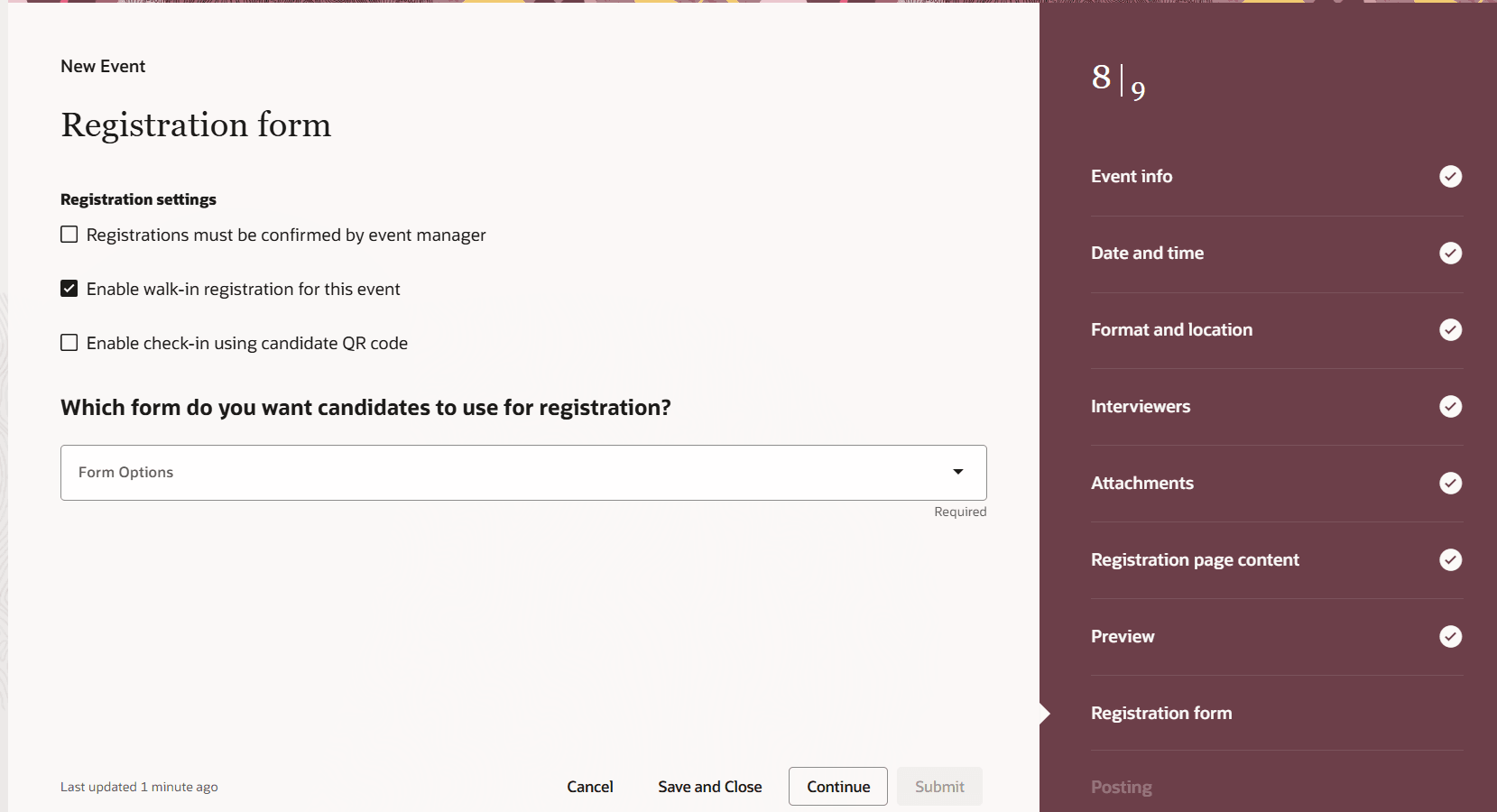
New check box to enable walk-in registrations at events
On the day of the event, the check in kiosk screen provides the option of checking in using an email address or phone number, or by selecting a link to register.
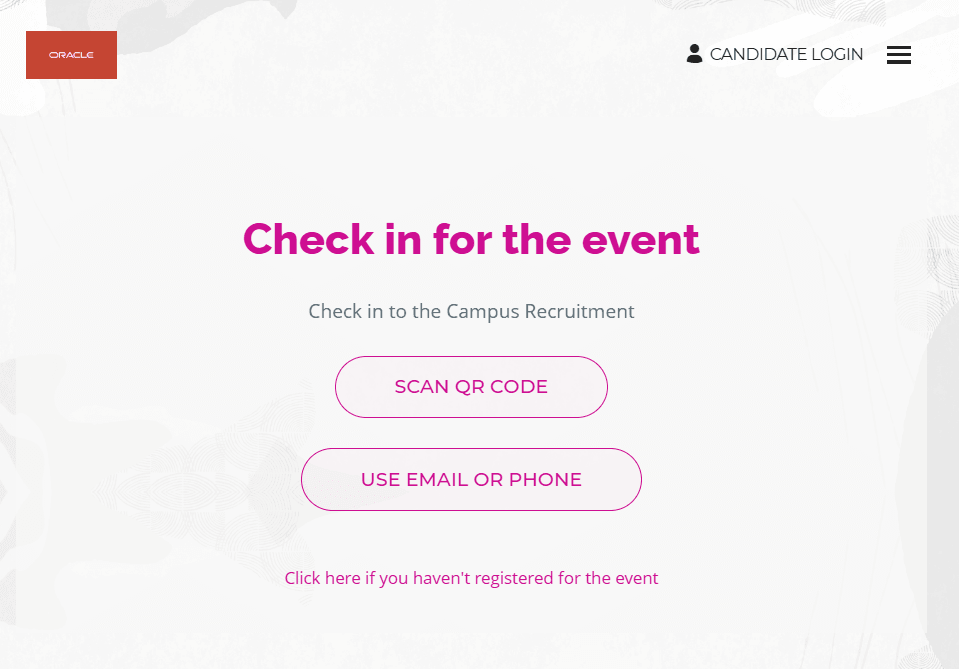
Check in screen at the event kiosk
Since walk in candidates aren’t yet registered, when they enter an email address or phone number, they’re prompted to scan a QR code, which opens the registration flow on their mobile device.
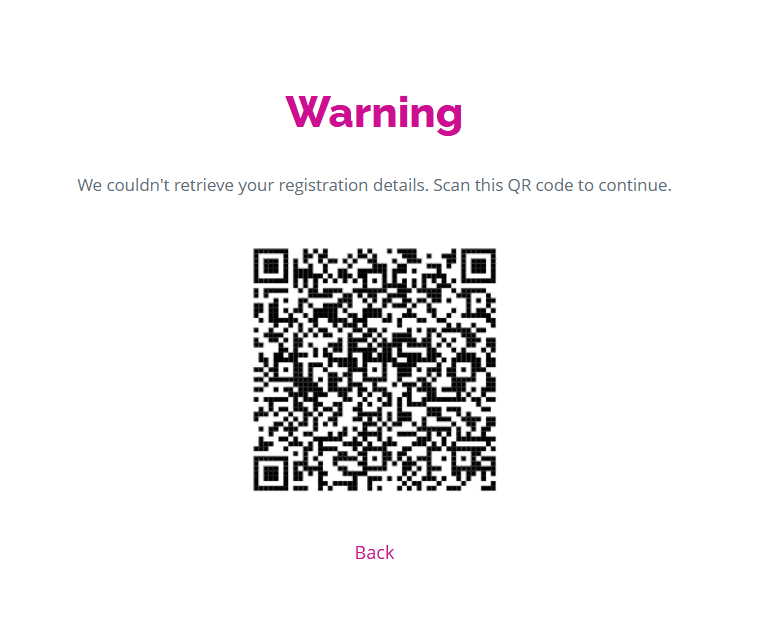
QR code allows candidates to register on the day of the event.
Candidates follow the registration flow in their own device, and they’re automatically checked in to the event.
Similarly, when walk-in candidates select the Click here if you haven’t registered for the event link, they’re be prompted to scan a QR code, which opens the registration flow on their mobile device. Once registered, they’re automatically checked in.
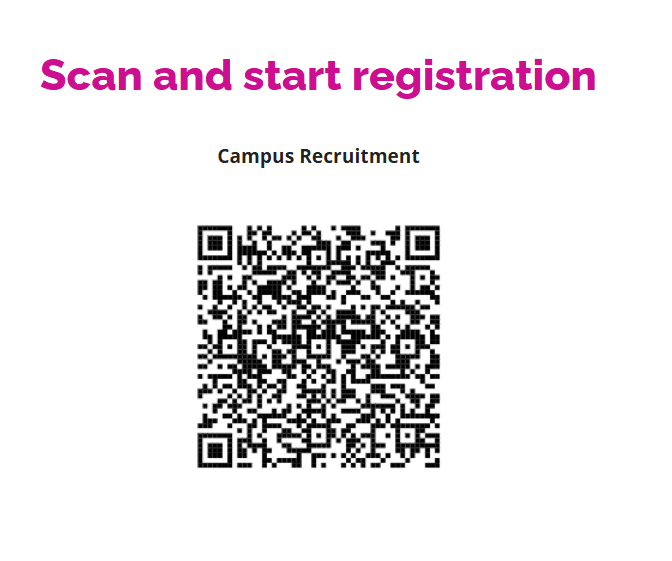
QR code when candidates click link to register
Event managers can filter candidates by those that attended an event as walk-in registrations.
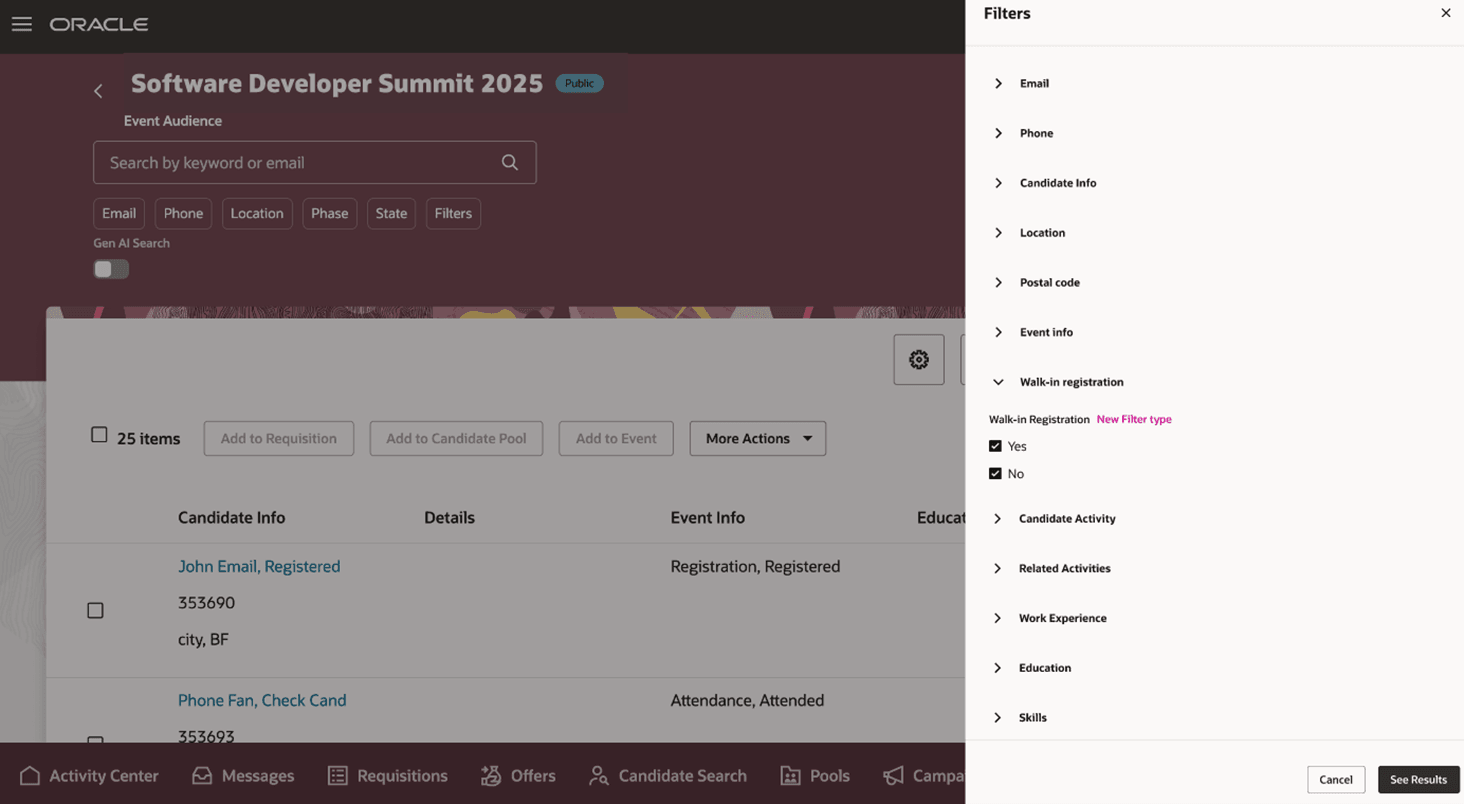
Filter candidates by how they checked in
Business benefit: This feature lets you streamline on-site registrations by allowing candidates to register and check in through a single flow.
Steps to enable and configure
For this Redwood feature, you need to enable these profile options:
- ORA_IRC_RECRUITING_REDWOOD_ENABLED
- ORA_IRC_EVENT_REDWOOD_ENABLED
For details, see How do I enable a profile option?
Tips and considerations
- Maximum capacity limits, confirmation by managers, and the last day to register aren't considered when walk-in registrations are allowed.
- Disqualification questions are considered with walk-in registrations.
- This feature is only available for public, in person events.