 Additional Parameters Supported for Guided Journeys in Redwood Positions Pages
You can now use these additional parameters to add context-sensitive content to your Business Intelligence (BI) reports or URLs using a section-level or page-level guided journey for Redwood Positions pages:
- BusinessUnitId
- LocationId
Note: To see an example with steps, see the Steps to Enable and Configure section of this What's New.
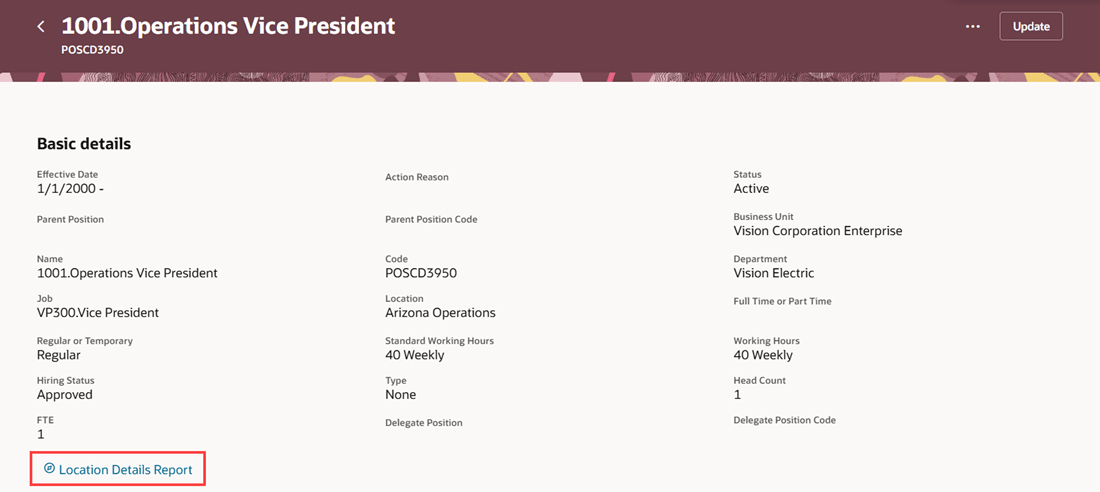
Section-level guided journey
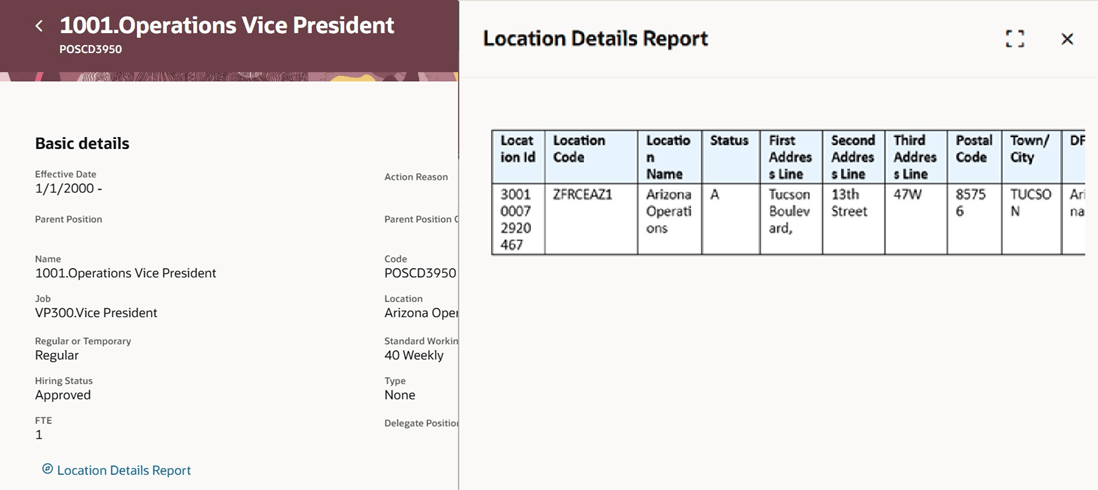
Panel drawer showing report results for section-level guided journey
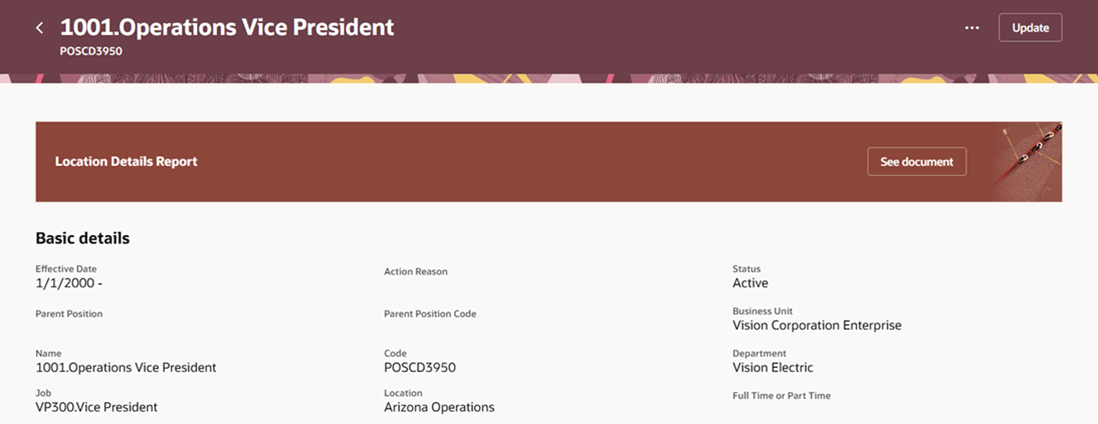
Page-level guided journey
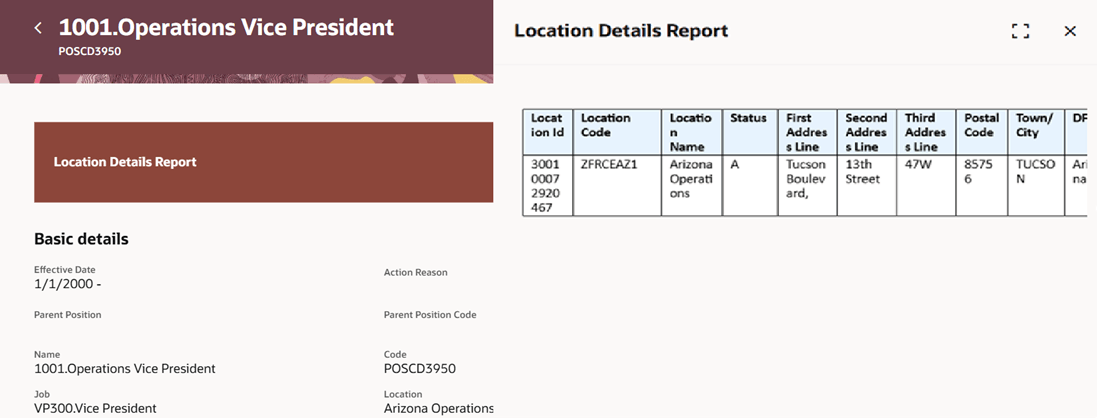
Panel drawer showing report results for page-level guided journey
This feature enables you to use the additional parameters BusinessUnitId and LocationId to add context-sensitive content in the Redwood Positions pages.
Steps to enable and configure
For more information about this feature and an example with steps, see How do I pass parameters from Redwood workforce structures pages to a guided journey?
Key resources
For more information, refer to these resources on the Oracle Help Center.
-
Overview of Guided Journeys topic in the Implementing and Using Journeys guide.
-
Enable a Guided Journey for Redwood Pages topic in the Implementing and Using Journeys guide.
-
How You Configure the URL for an External URL Task Type in Journeys topic in the Implementing and Using Journeys guide.
-
How You Configure the Report Task Type in Journeys topic in the Implementing and Using Journeys guide.
For a listing of all profile options for the recreated pages across applications, see the following document in My Oracle Support:
- HCM Redwood Pages with Profile Options – MOS Document - 2922407.1
For more information on extending Redwood pages in HCM, see the following guide on the Oracle Help Center: