Create a Property Graph from an Existing Graph
You can edit an existing property graph on the Graphs page in Graph Studio.
The following lists a few scenarios for editing a graph:
- Add or remove tables from the graph
- Rename labels for edges or vertices
- Alter the orientation of the edges
- Add or remove a vertex or edge property
- Rename a vertex or an edge property
To edit a graph, perform the following steps:
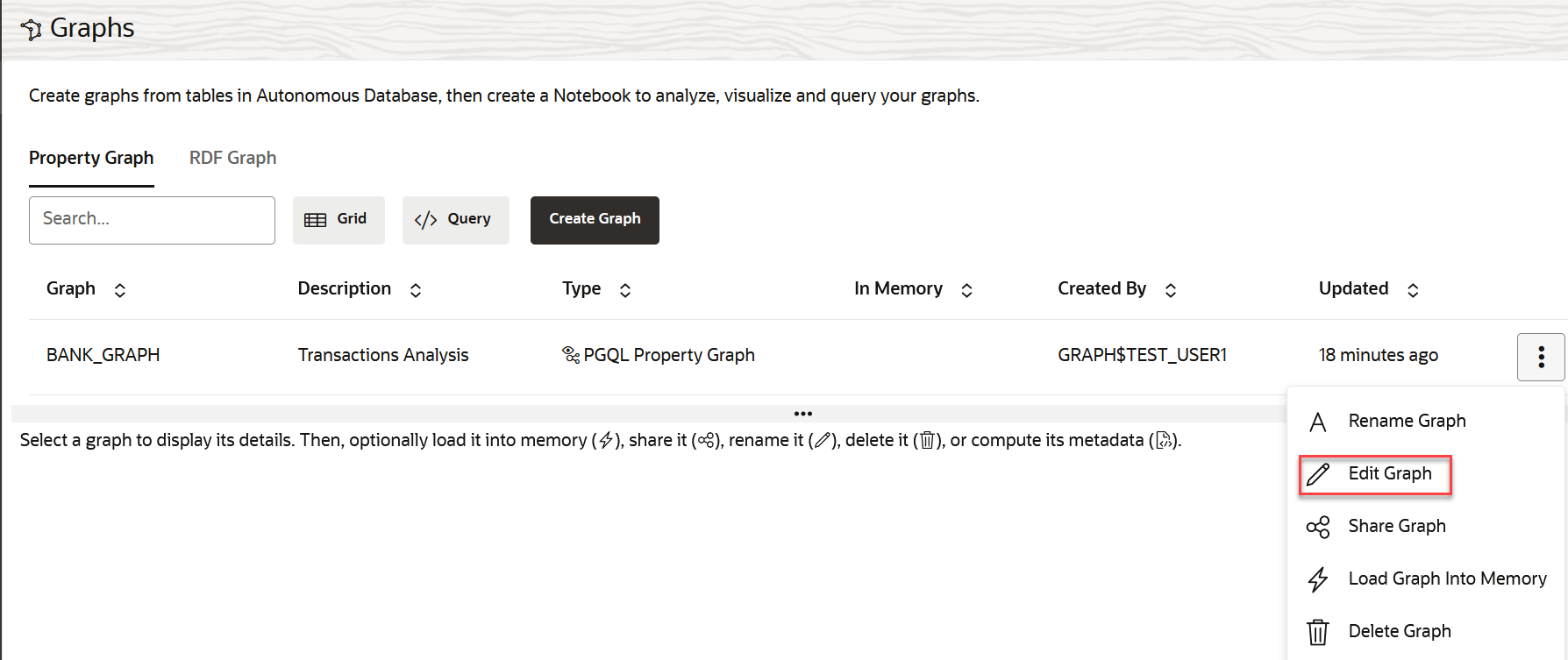
- Select the graph which you want to edit and click open the additional options menu as shown: