Trading Partners
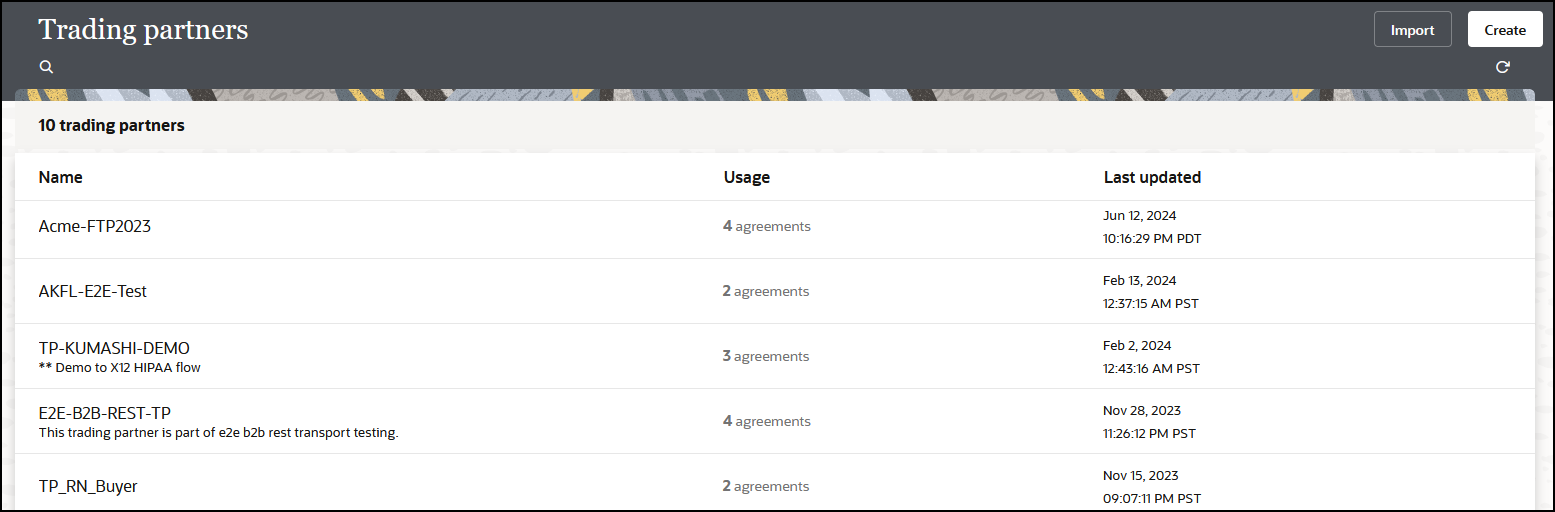
A trading partner is the external business entity with which your company interacts to send or receive business documents, such as orders and invoices, in electronic form.
- To view trading partners in a project:
- In the navigation pane, click Projects.
- Click the project in which to view the trading partners.
- Click B2B
 .
.
- Go to the Trading partners section.
- To view trading partners in a standalone environment:
- In the navigation pane, click B2B, then Trading partners.
- View the contents.
You can access pages to register all your external trading partners and enter information on their behalf from this location. The trading partners cannot access these pages in your Oracle Integration instance. Therefore, as the B2B system administrator, you gather information offline from your external trading partners and enter the information in these pages.
Similar to B2B for Oracle Integration, your external trading partner has a B2B application of their own. Your trading partners collect information offline about your company and enter it into their B2B application, which you cannot directly access.
Once setup is completed and tested on both ends, the two parties (your company and the external trading partner) are ready to send and receive documents.
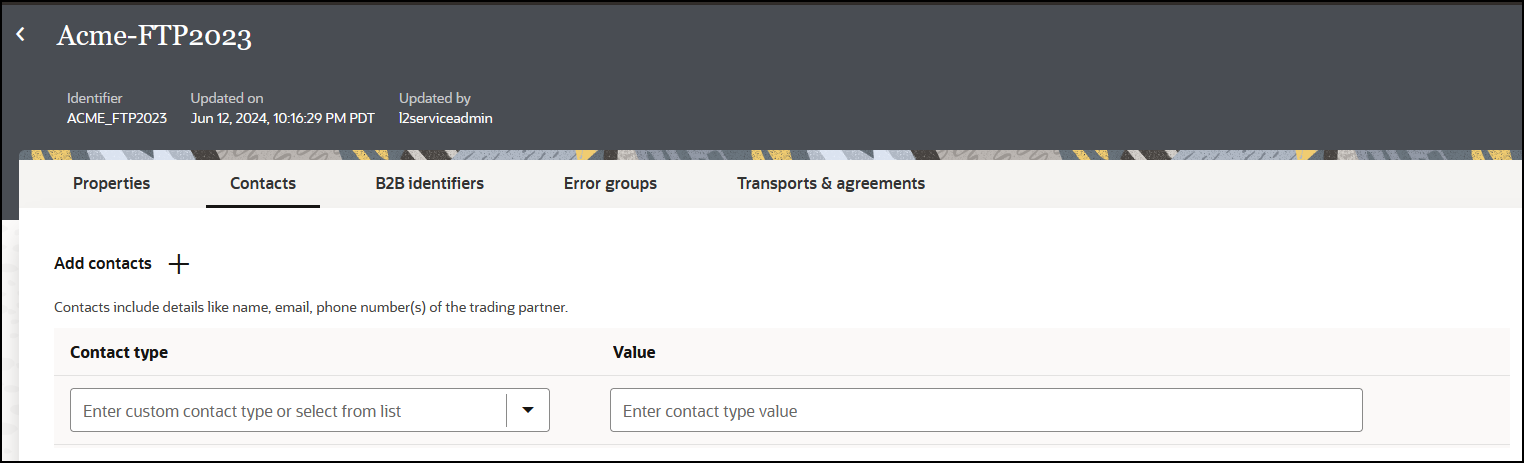
You create and register an external trading partner by entering information in the following tabs, each of which are explained in subsequent sections.- Properties
- Contacts
- B2B identifiers
- Error groups
- Transports & agreements