Reload Data from the Workbook Editor
When you're editing a workbook, you can reload data to update the workbook with the most up-to-date data.
- On your home page, locate the workbook and click Open.
- Click the Visualize tab.
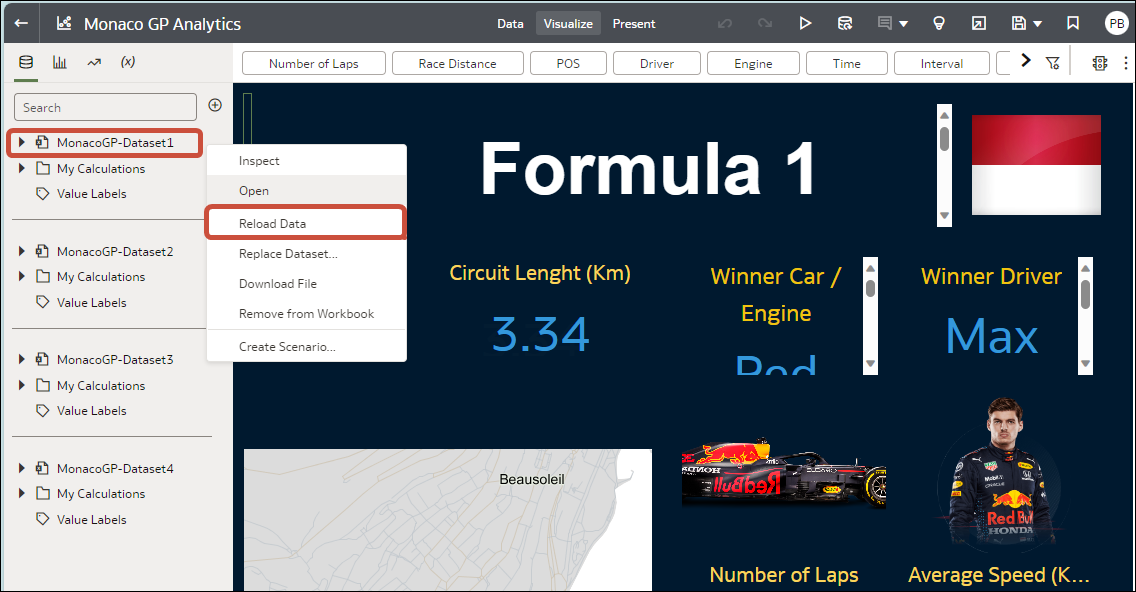
- On the Data pane, right-click the connection name or dataset name and select Reload
Data.