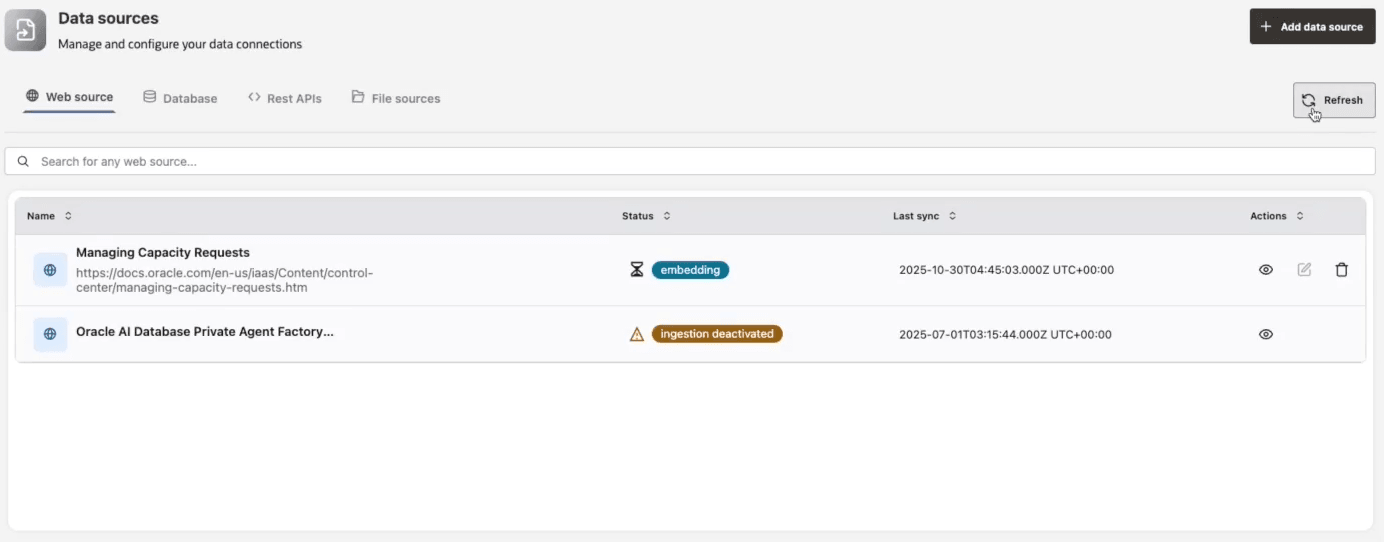
Website Data Source
Web data sources allow you to use publicly available website content, including unauthenticated web pages, as a data source for your agents.
Configure a Website Data Source
-
Provide Source Name and Description of the data source.
Note: Data source names can be any UTF-8 string.
-
Enter the root (homepage) URL in the Endpoint field.
-
If you wish to exclude certain file extensions from crawling, select them from the Exclude File Extensions dropdown. At present, .pdf and .doc files can be excluded.
-
Enter URL patterns to include or exclude from crawling in the URL Filter.
-
Use Include filters to limit the scope of search to specific site sections or paths so the crawler collects only relevant content.
-
Use Exclude filters to skip sections or paths that are not expected to be crawled.
Include filters restrict the crawl to the content that matters. Exclude filters skip what doesn’t. Combining both the include and exclude filters helps you control crawl scope, improve speed, and avoid gathering unrelated data.
Adding URL filters is optional.
-
-
Enter Crawl Depth to specify the maximum number of links to follow from the start endpoint. Select the Unlimited checkbox to crawl the endpoint exhaustively.
-
Provide Crawl Frequency to specify how often (in days) the data source should be crawled.
-
Configure a Proxy URL for the data source when operating within a firewall or an internal corporate network.
-
Click Test Connection and make sure the connection is successful before adding the web source.