ORACLE CONFIDENTIAL. For authorized use only. Do not distribute to third parties.
Pre-General Availability: 2025-12-16
Use MCP Server
What Is an MCP Server?
A Model Context Protocol (MCP) server is a small web service that exposes tools—typed functions the model can call. The client discovers those tools from a manifest and then talks to the server over HTTP or HTTPS and SSE to call them and stream results. Think of it as “bring-your-own tools over a standard protocol”.
You can connect your own MCP server using Server-Sent Events (SSE) transport to expose tools to agents in your custom flows.
Build the SSE URL Using FastMCP - Python Calculator Example
Below is a minimal, copy-and-pasteable setup that uses only FastMCP. It creates a calculator MCP with tools such as add, divide, and more.
Step 1: Install FastMCP
pip install fastmcp
Step 2: Create Your Required Tools
import logging
from fastmcp import FastMCP

# Set up logging configuration
logging.basicConfig(
    level=logging.INFO,
    format='%(asctime)s - %(levelname)s - %(message)s'
)
logger = logging.getLogger(__name__)

# Initialize FastMCP with server name
mcp = FastMCP(name="Calculator_Server")

def log_request(tool_name: str, **kwargs) -> None:
    logger.info(f"[REQUEST RECEIVED] Tool: {tool_name}, Args: {kwargs}")

def log_response(tool_name: str, result) -> None:
    logger.info(f"[RESPONSE SENT] Tool: {tool_name}, Result: {result}")

# Define MCP tools with type hints and logging
@mcp.tool
def add(a: float, b: float) -> float:
    log_request("add", a=a, b=b)
    result = a + b
    log_response("add", result)
    return result

@mcp.tool
def subtract(a: float, b: float) -> float:
    log_request("subtract", a=a, b=b)
    result = a - b
    log_response("subtract", result)
    return result

@mcp.tool
def multiply(a: float, b: float) -> float:
    log_request("multiply", a=a, b=b)
    result = a * b
    log_response("multiply", result)
    return result

@mcp.tool
def divide(a: float, b: float) -> float:
    log_request("divide", a=a, b=b)
    if b == 0:
        logger.error("'divide' failed: Division by zero.")
        raise ValueError("Cannot divide by zero")
    result = a / b
    log_response("divide", result)
    return result

@mcp.resource("resource://config")
def get_config() -> dict:
    return {"version": "1.1", "author": "FastMCP"}

if __name__ == "__main__":
    # Define PORT before using it
    PORT = 8080  # Example port
    # Runs an SSE transport server; by default it mounts at /sse on localhost.
    # You can customize host/port/mount_path via mcp.settings.* if needed.
    mcp.run(transport="sse", host="127.0.0.1", port=PORT)
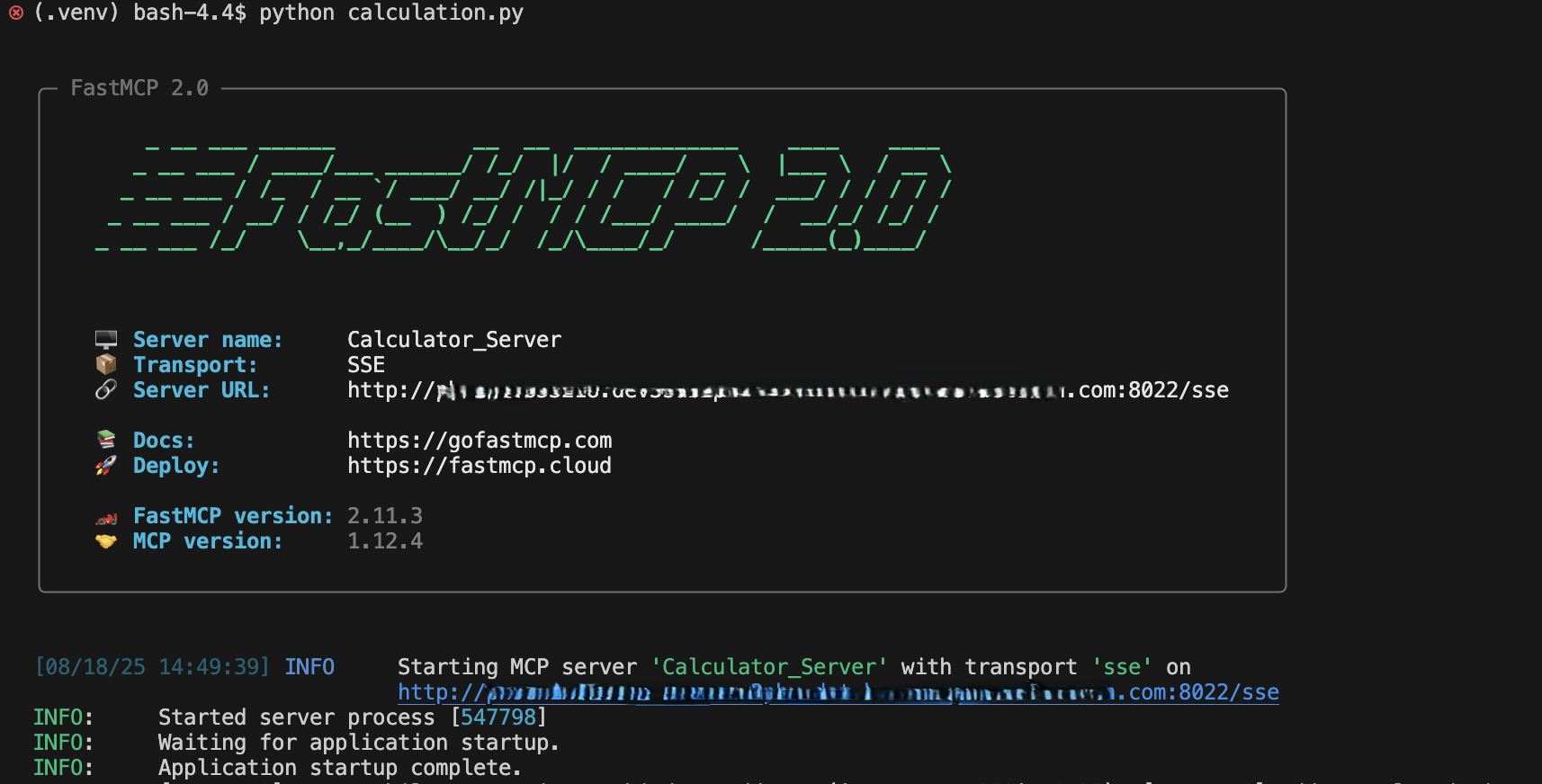
Step 3: Run Your Python File