Data Analysis Agents
What is a Data Analysis Agent?
A Data Analysis Agent is an AI-powered agent designed to work directly with your enterprise databases. It understands your schema, analyzes structured data, and automatically generates insights, explanations, and visualizations using LLM capabilities.
In simple terms, you can ask questions about your data so you get answers, charts, and explanations without writing SQL.
How it works?
Data Analysis Agents automatically turn questions into insights by working directly with your database.
The agent understands your database schema, translates questions into SQL, runs the query safely, and presents insights with charts, tables, and explanations.
- Semantic & data-relevant question generation: Automatically expands and refines user questions using variation analysis.
- LLM-powered explanations: Understand what the data shows and why it matters.
- Automatic visualization generation: Charts and tables are created when applicable, no manual setup required.
- Integration-ready: Connects directly to Oracle Database 19c and above.
Create a Data Analysis Agent
-
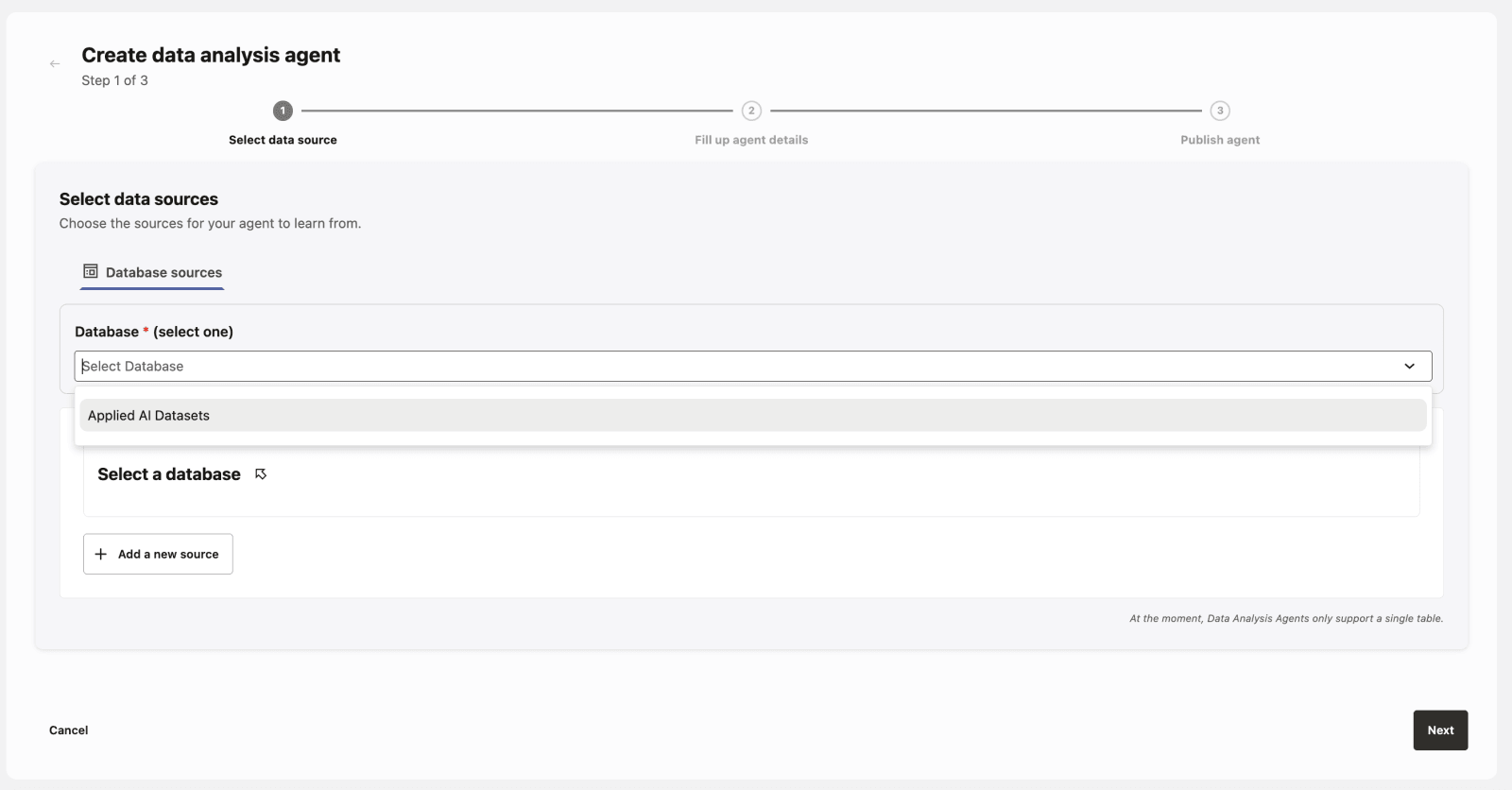
Select Data Sources
-
Supports structured data sources such as Oracle Database 19c or later and database views.
-
See Database Data Source for more details.
-
Or use Sample Datasets that you can easily import to explore and experiment right away.
-
-
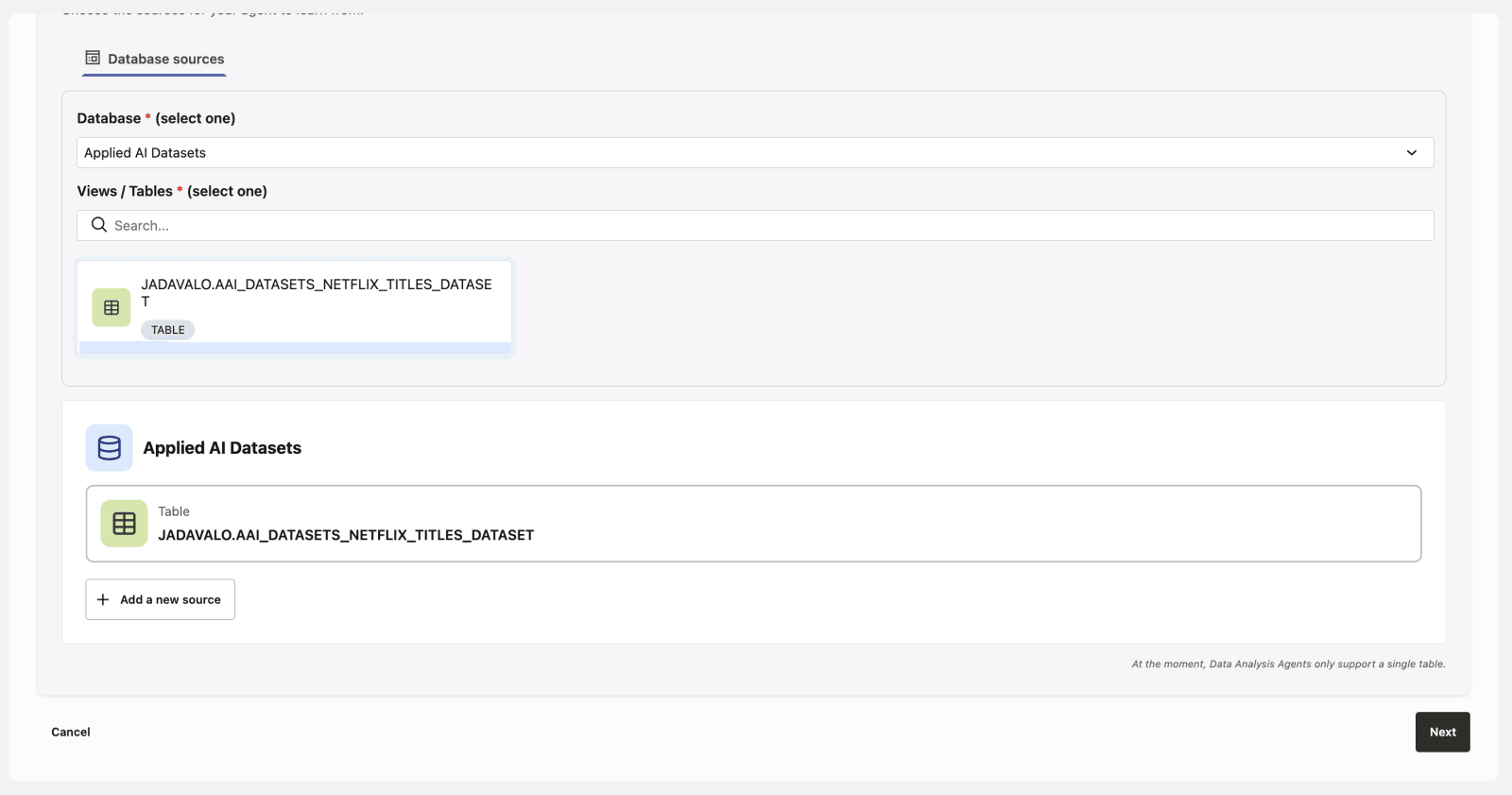
Select View/Table
-
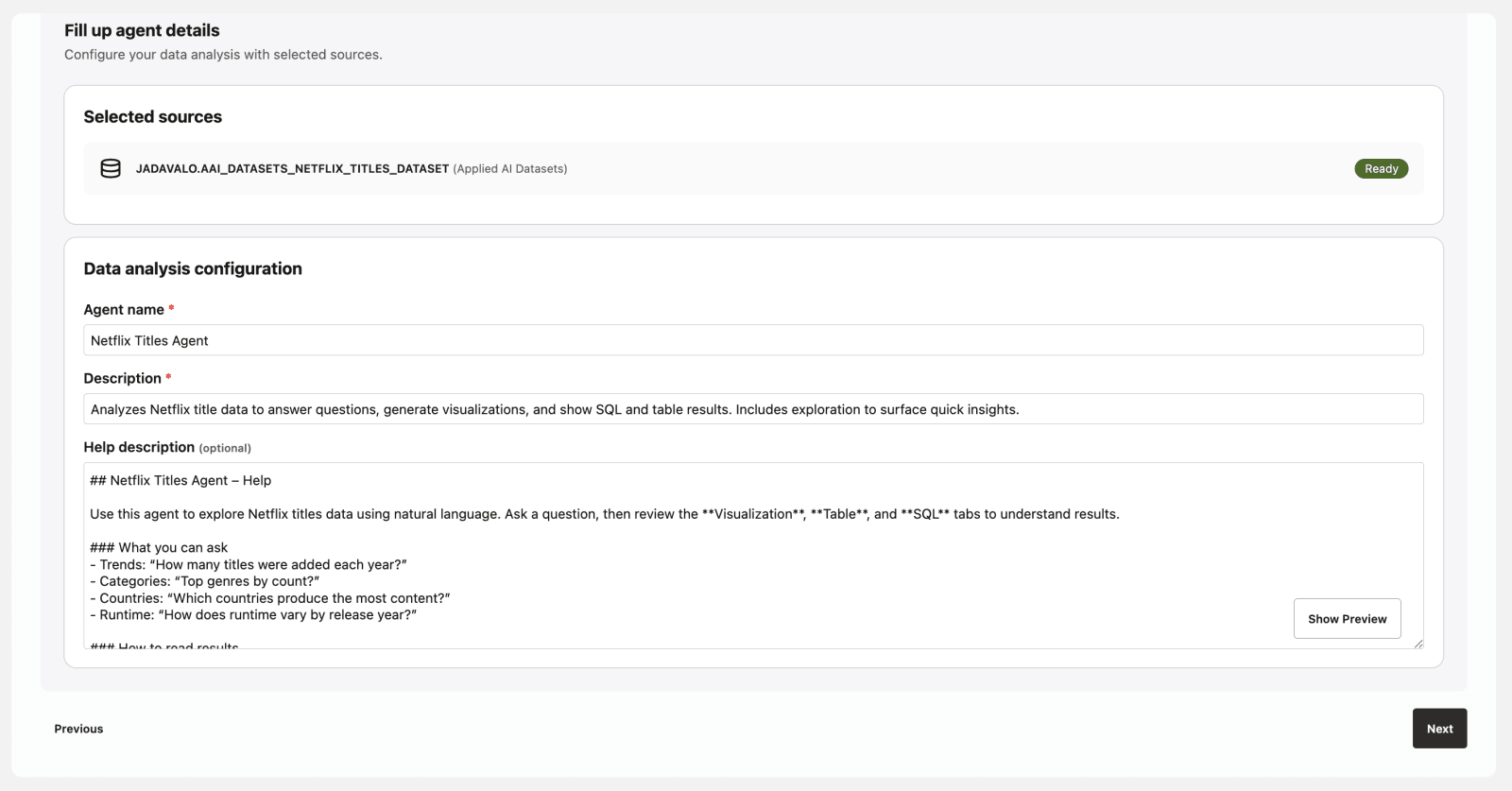
Define Agent Details
- Assign a name and description to the data analysis agent.
-
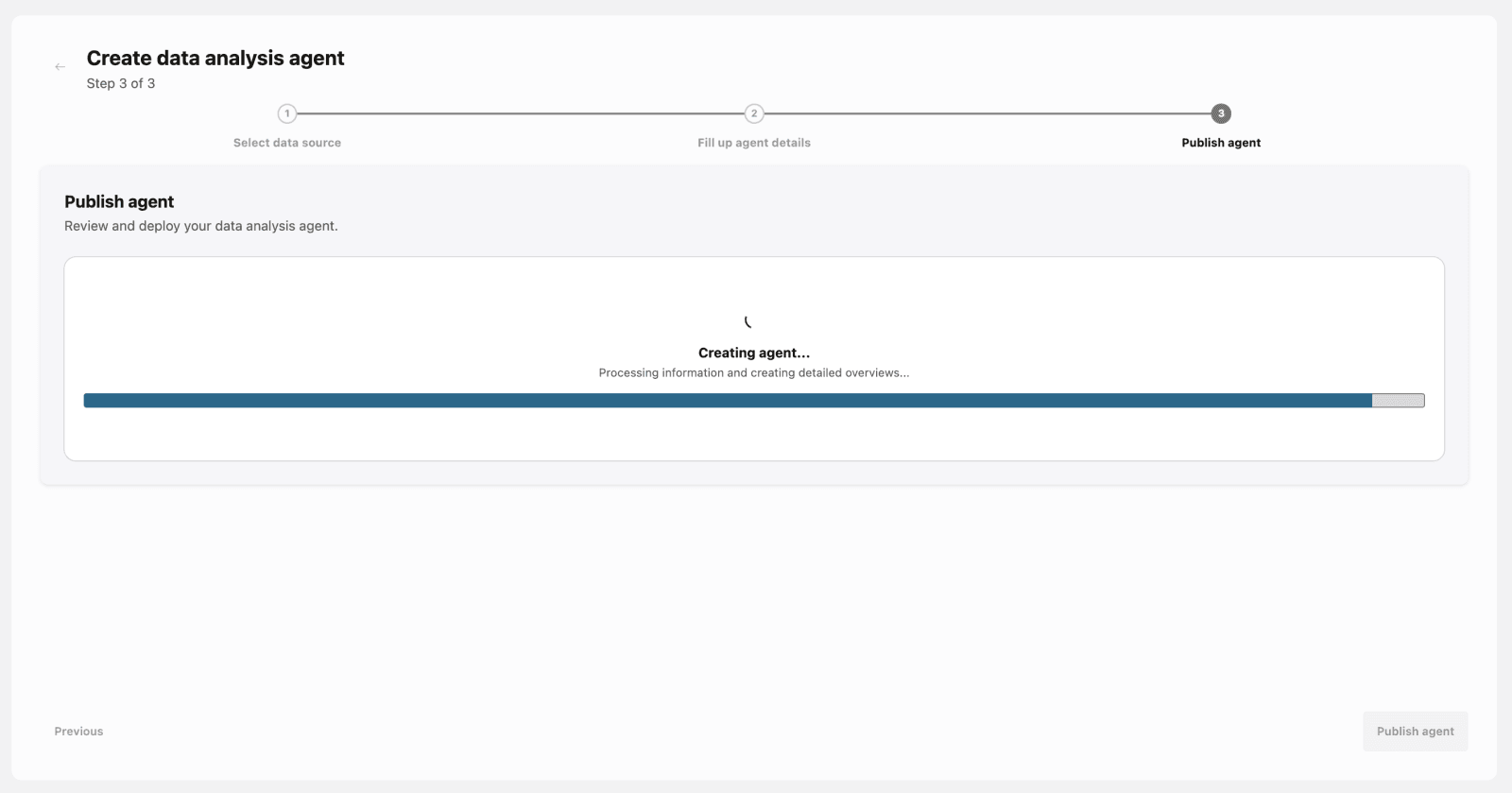
Publish the Agent
- After configuration, publish the agent to make it available.
-
Start Conversations
- Interact with the agent and get answers based on the source data.
NoteAn initial exploration is made when opening the chat for the first time.
-
Review Agent Results
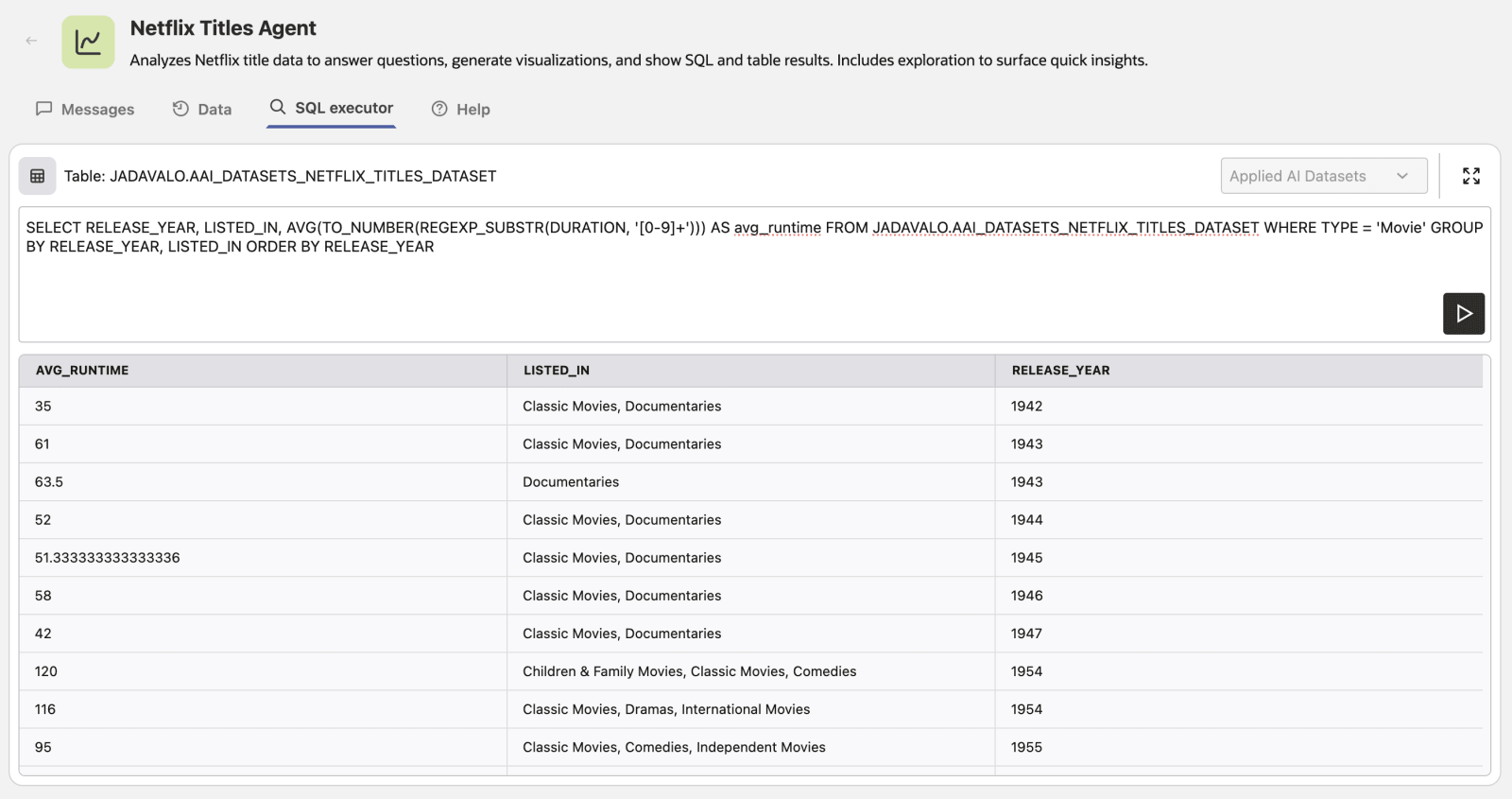
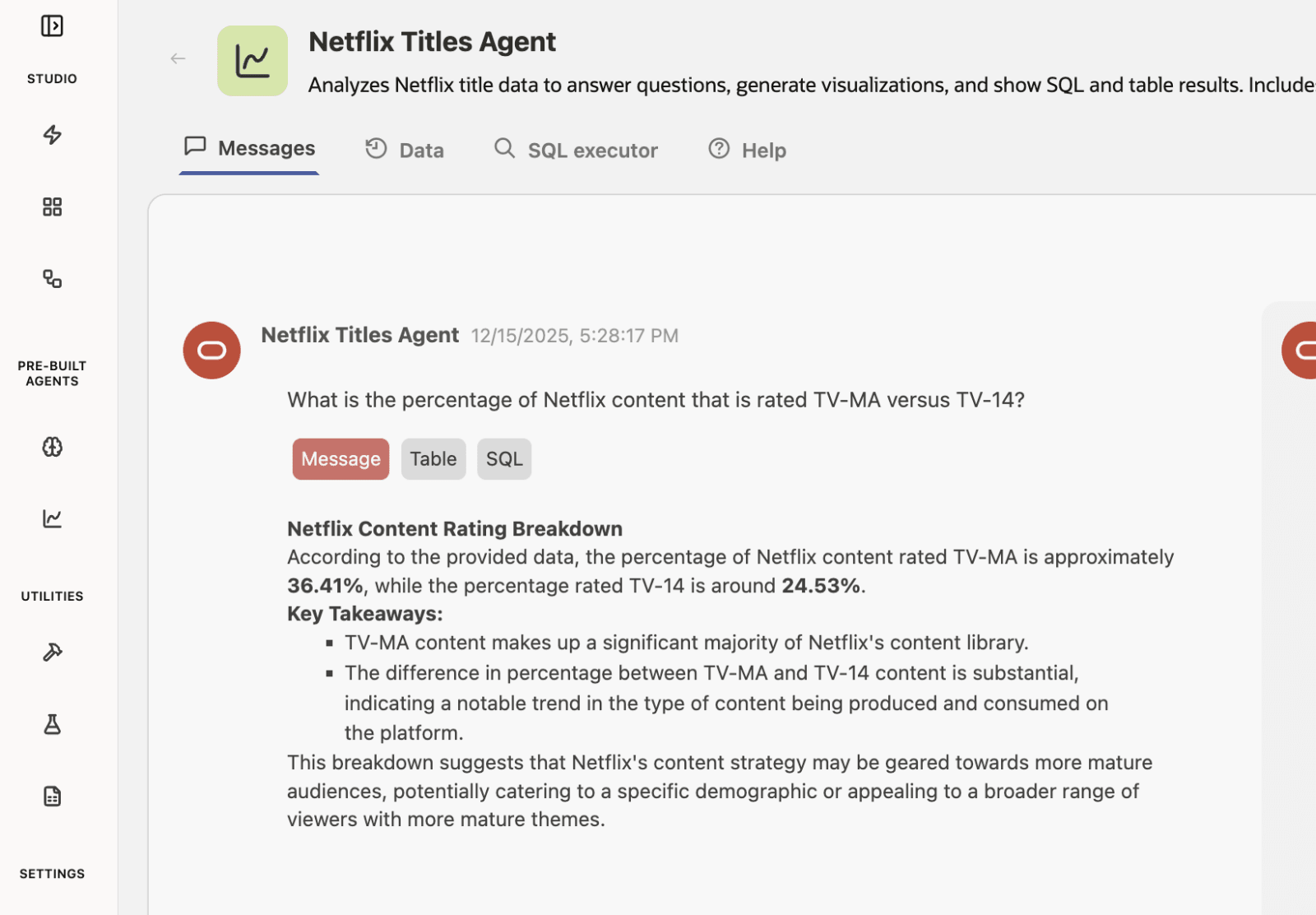
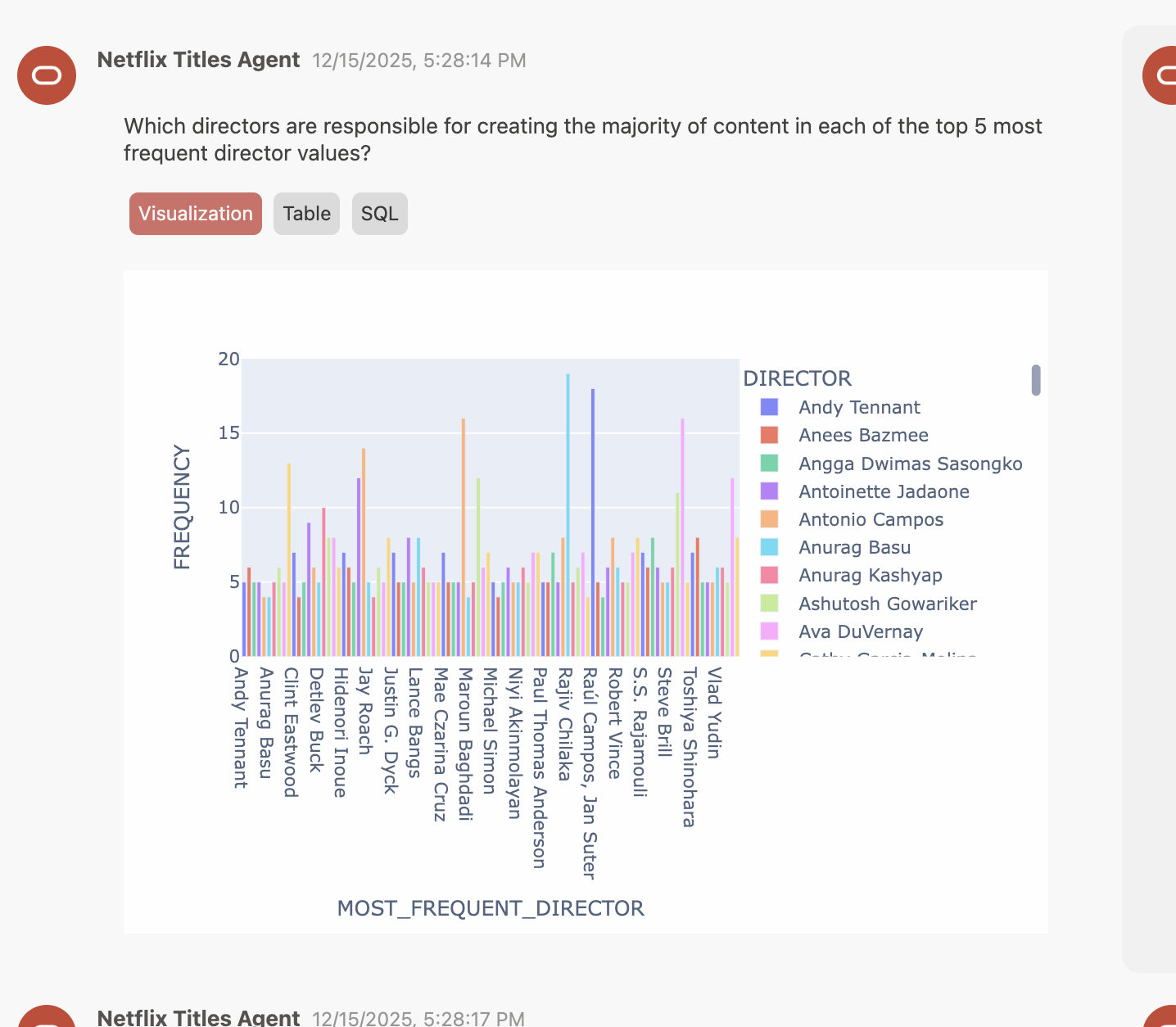
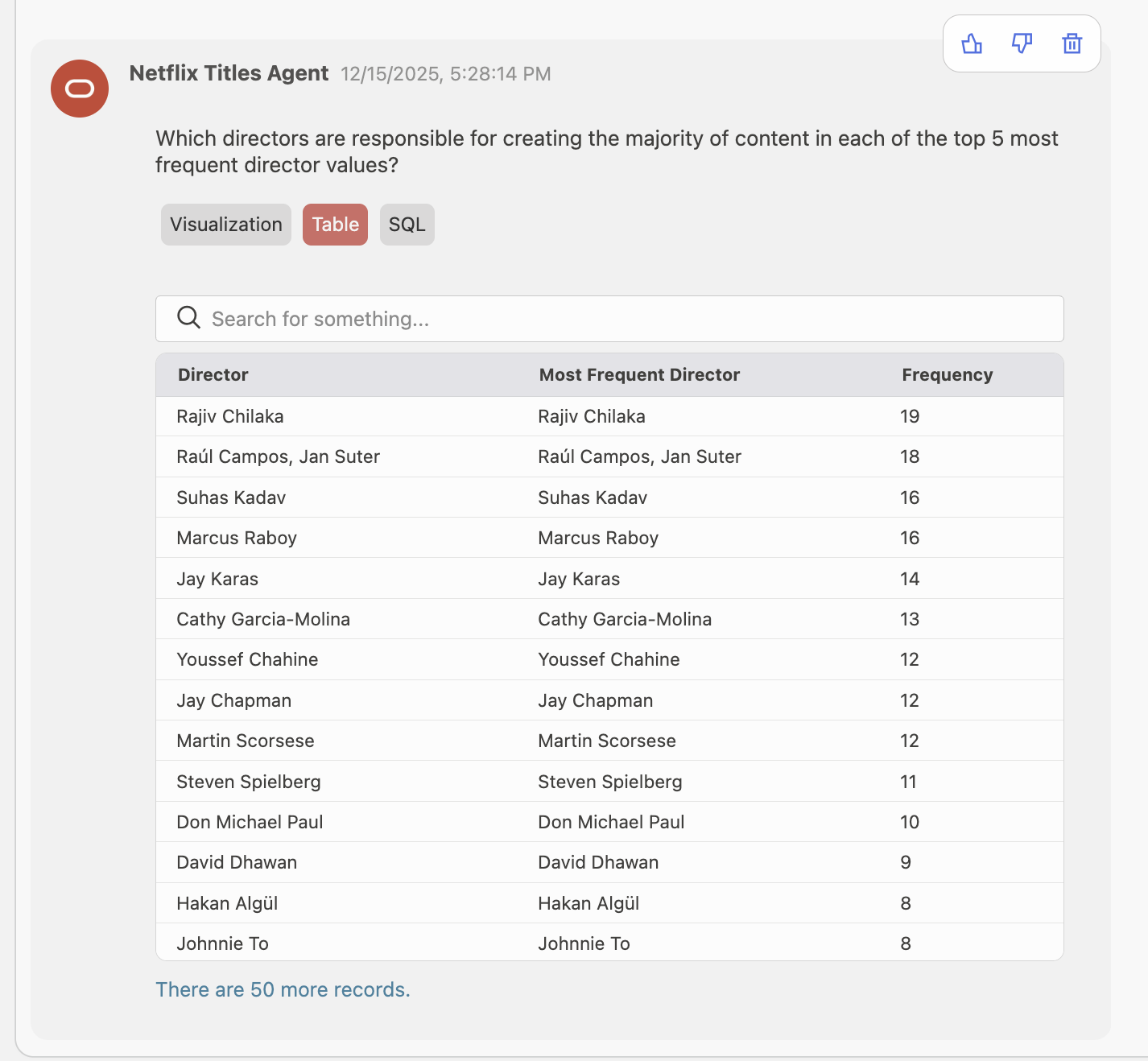
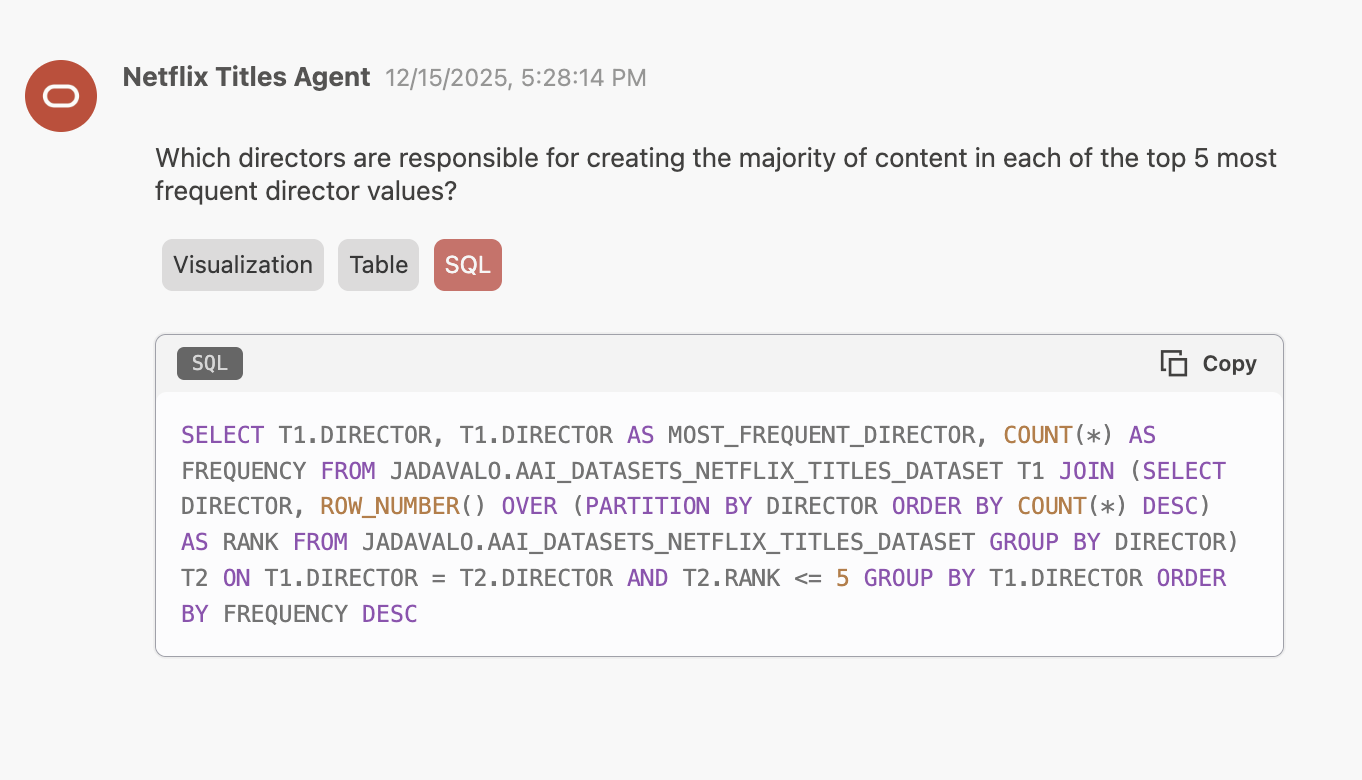
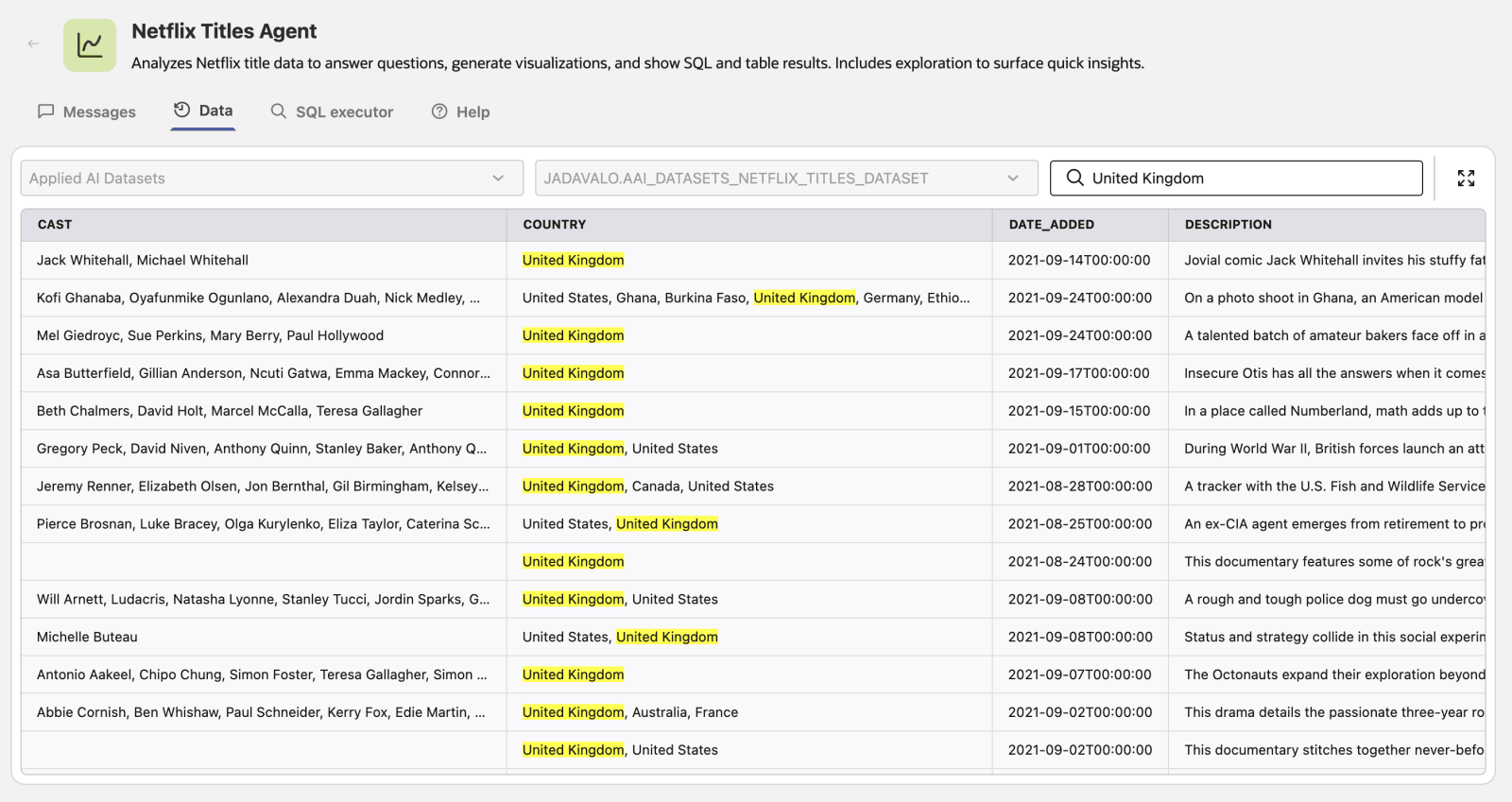
- Review LLM-powered explanations, self-generated visualizations, structured data tables, and SQL queries from results.
NoteSome responses might not have Messages tab explicitly, that is because there is no other visualization to represent the answer.
- LLM powered explanation
- Self generated visualization
- Structured data
- SQL Query
-
Filter Structured Data
-
Run SQL statements