Chat History on DCS Portal
This 26A feature allows to display Chat History in Portal. The authenticated end-user can access the chat history from the navigation sidebar and see a list of past chat engagements. When clicking on a chat engagement, he can see full transcript and download attachments. This covers past engagements with an AI Agent, a human support engineer or a classic chatbot like ODA (DA as an Agent).
The Chat History (oj-dcs-chat-history) is an upgradable component and is pre-installed and ready to use in the 26A Reference Template.
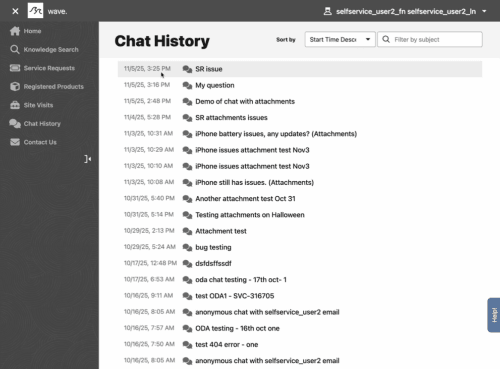
Example of Chat History with list of past engagements
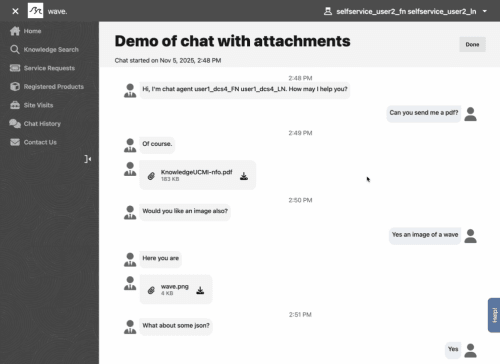
Example of Chat Transcript with Attachments
Business Benefits:
- Offer 24/7 self-service: the end-user can view past chat engagements through self-service at any desired time.
- Ready to use: The DCS Reference Template has out-of-the-box components, pages and APIs that support Fusion Service features such as Chat. The Portal Developer can speed up time to deploy this new feature by using the upgradable component.
Steps to enable and configure
The Chat History component (oj-dcs-chat-history) is pre-installed and ready to use in the 26A Reference Template.
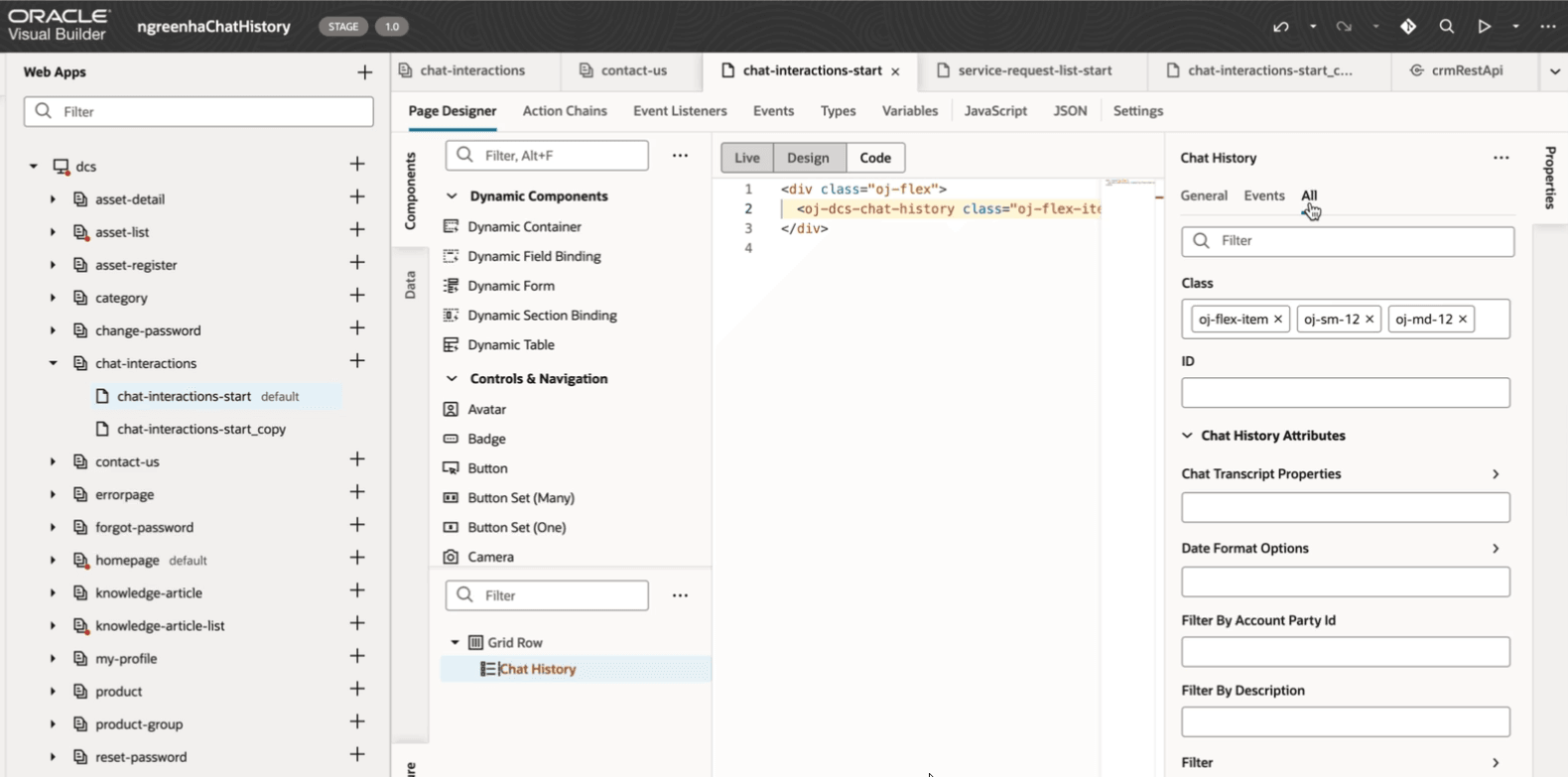
Chat History Component with Properties in Visual Builder editor
Tips and considerations
- The self-service user needs to be authenticated to see Chat History in the DCS portal.
- See component documentation in Visual Builder.
- This feature is tied to setting up Chat in Fusion Service.
Key resources
- Playbook How do I enable Digital Customer Service
- See detailed component documentation in Visual Builder.
Access requirements
- Sign in to the Oracle Visual Builder editor as a user with the Developer role to design your DCS portal experience.