Redwood appearance editor and themes: classic themes
When you apply a classic theme, for better alignment with your theme color, the following Redwood pages show neutral gray tones in certain areas of the page: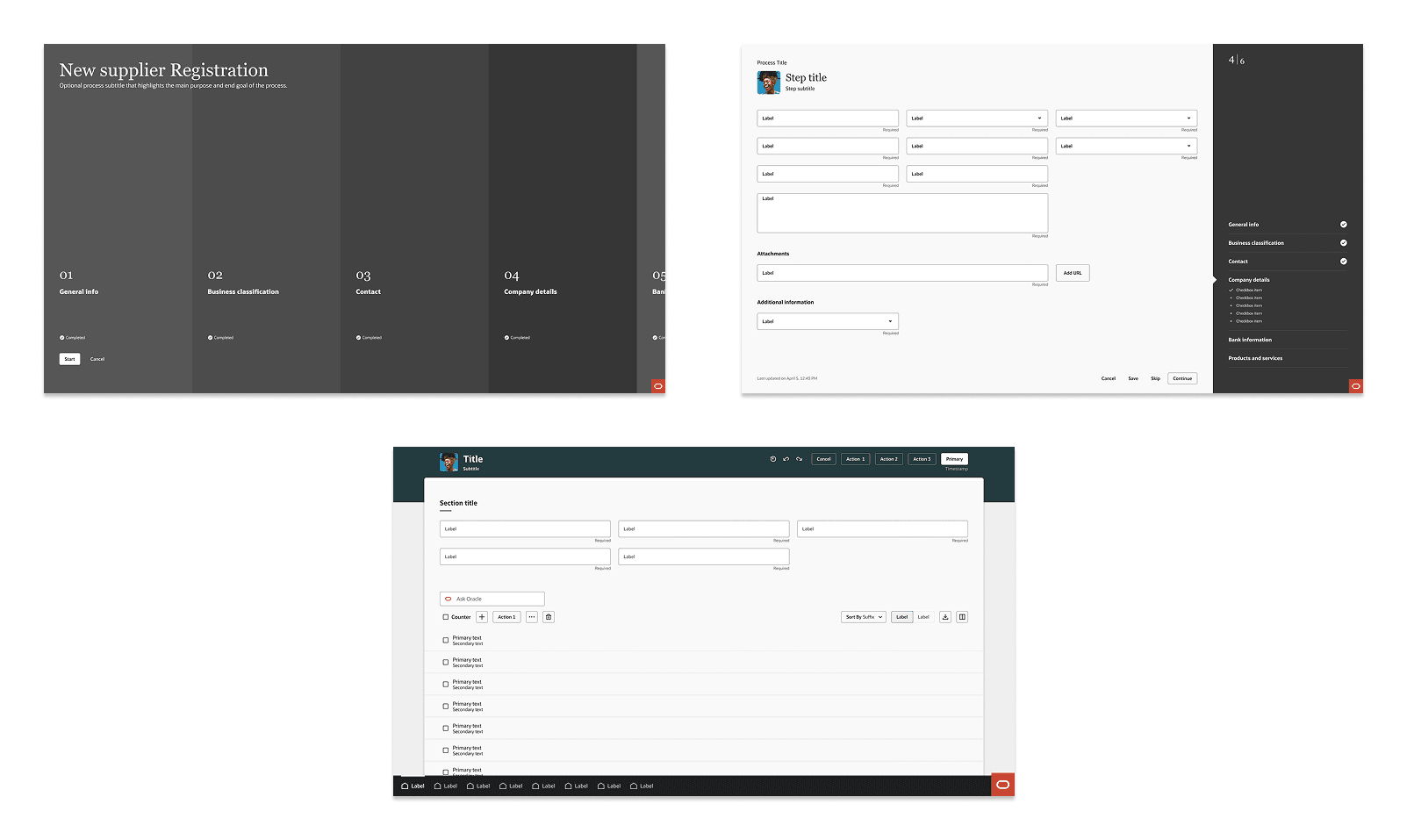
The neutral gray tones ensure better alignment with your brand color in Fusion Applications.
Steps to enable and configure
You don't need to do anything to enable this feature.