Sections of the Rename Records/Transactions Page
The Setup > Company > Rename Records/Transactions page includes the following sections:
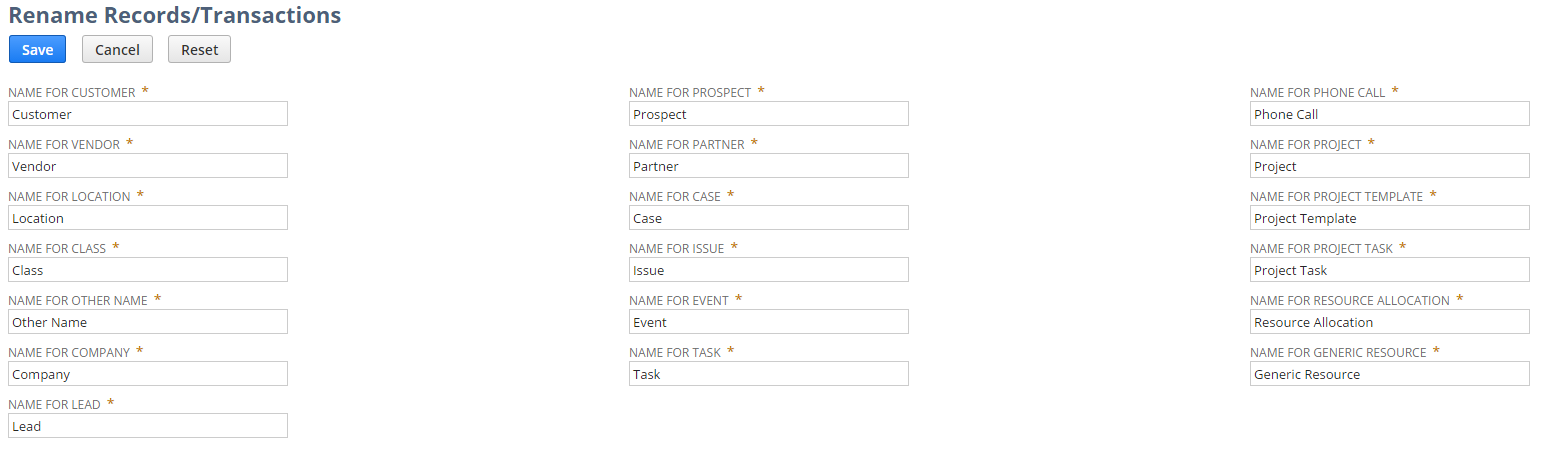
Rename Records/Transactions Page Body (Record Names)
In the main section of the Rename Records/Transactions page, you can change the names of standard NetSuite non-transactional record types.
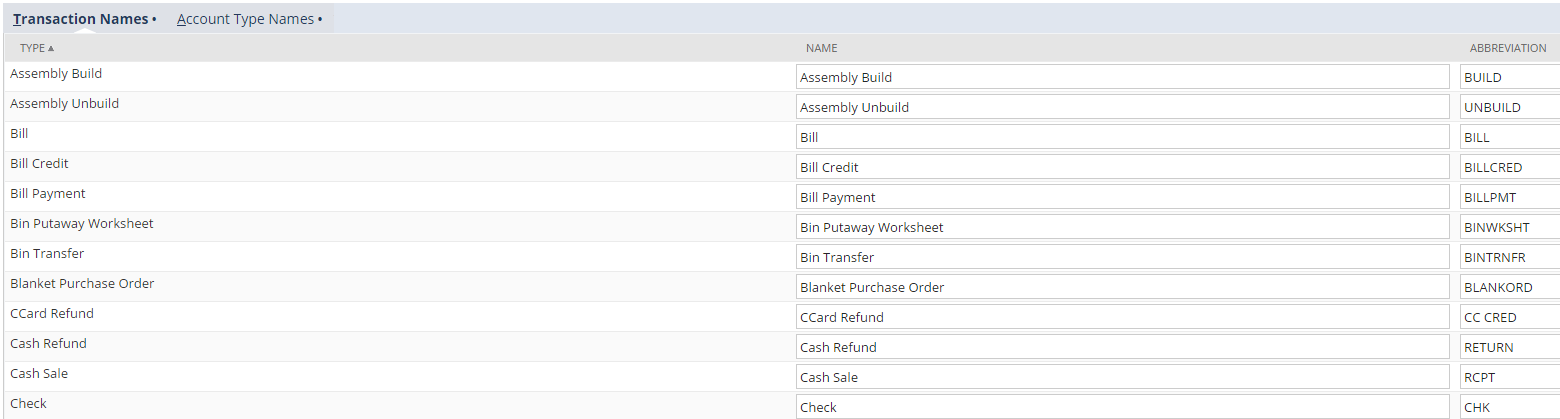
Rename Records/Transactions Transaction Names Subtab
On the Transaction Names subtab of the Rename Records/Transactions page, you can change the names and abbreviations of standard NetSuite transaction types.
Rename Records/Transactions Account Type Names Subtab
On the Account Type Names subtab of the Rename Records/Transactions page, you can change the names of standard NetSuite account types.

You can move account type names up or down by selecting a line and clicking Move To Top or Move To Bottom. However, the order of the list on this subtab doesn't affect how users see account type lists.