User Request to Calculate a Model
The following are some examples of user requests to calculate a model. The first example accepts all the default calcuation options. The second example identifies specific calculation options. The third example specifies a POV range.
User Request to Accept All Default Calculation Options
Calculate Model '10 Actuals Allocation Process' POV FY23:Jan:Actual:WorkingUser Request Identifying Specific Calculation Options
Calculate Model '10 Actuals Allocation Process' POV FY23:Jan:Actual:Working Clear Calculated Data Execute Calculation Optimize for
Reporting false
User Requests Specifying a POV Range
Calculate Model '10 Actuals Allocation Process' Fixed POV FY23:Actual:Working POV Range Jan through AugCalculate Model '10 Actuals Allocation Process' Fixed POV Actual:Working POV Range FY23:Jan through FY24:DecWhen creating a user request that specifies a POV range:
-
Fixed POVandPOV Rangeare required in the request -
Only the Year and Period POV dimensions can be used in a range
-
POV members must be separated by a : (colon)
-
Ranges must be in ascending order (prior fiscal years/months must be used before later fiscal years/months)
-
You can only specify one range in a request
After you enter the user request and click  (Send), the PCM Agent page is
updated with the request information.
(Send), the PCM Agent page is
updated with the request information.
Figure 14-10 Calculate Preview
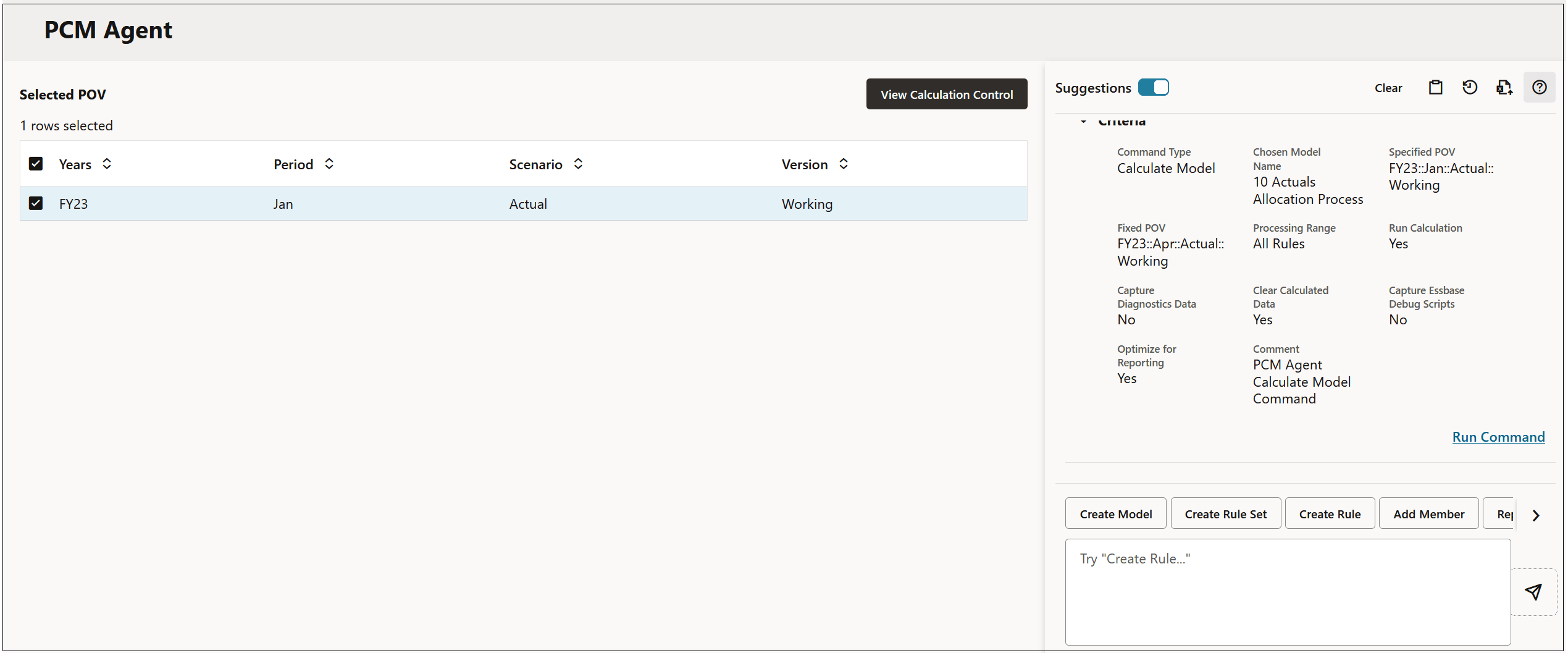
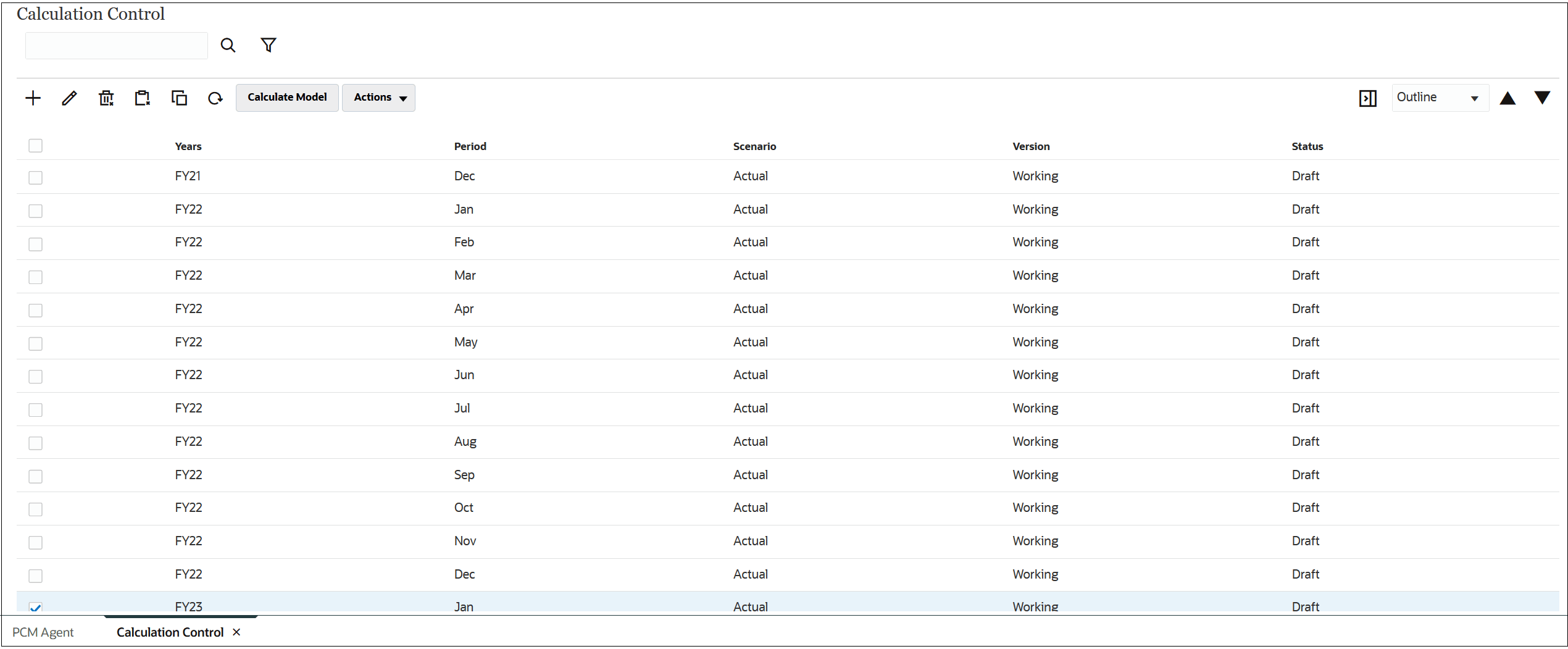
Click Run Command, and then click View Calculation Control to see the results of the calculation.
Figure 14-11 Calculate Result