Generating a Compare Model Snapshots Report
The Compare Model Snapshots report compares the models that were calculated for two different calculation records.
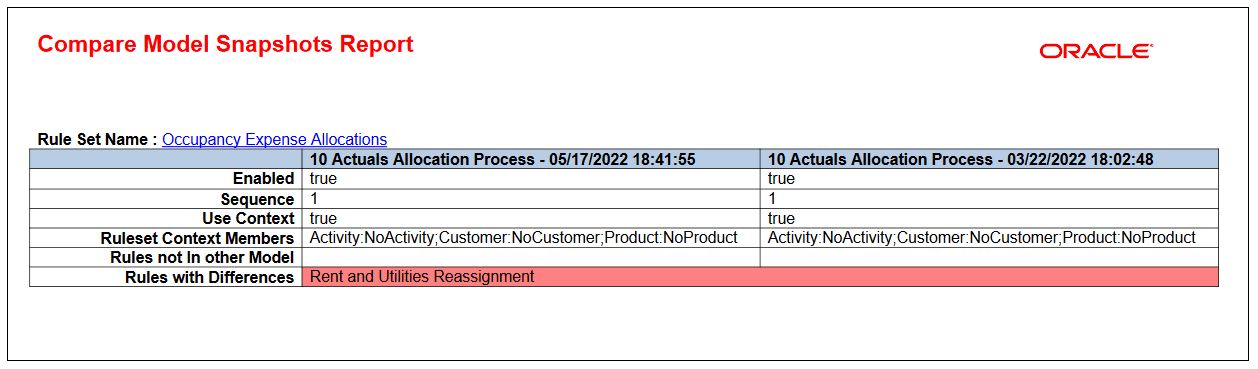
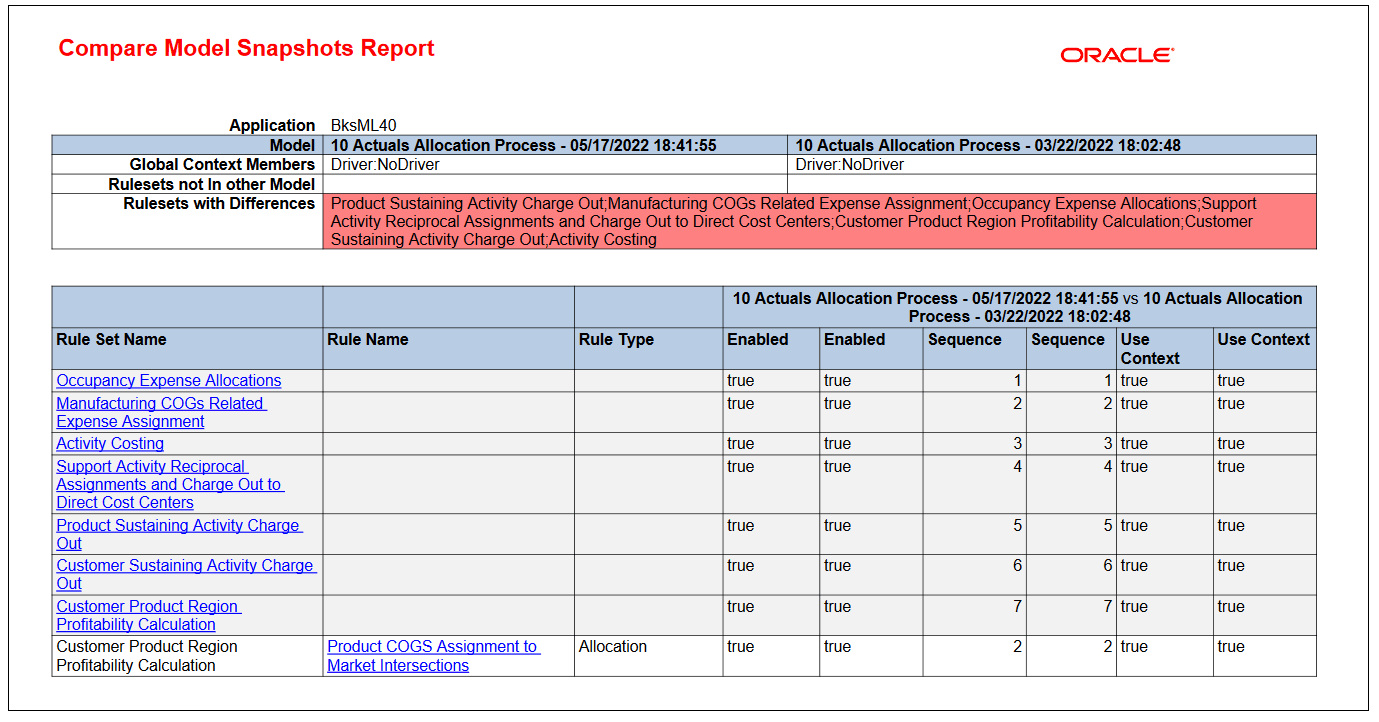
The report provides a summary of the rule sets and rules with differences. Click the hyperlink for a rule set or rule to view detailed information about that rule set or rule. The hyperlinks enable you to easily navigate through the different areas in the report.
To generate a Compare Model Snapshot sreport:
-
From the Home page, select Modeling, and then Calculation Analysis.
-
From the Calculation Analysis page, select the calculation records to compare.
-
Click More Actions, and select Compare Model Snapshots.
-
Select a format:
-
PDF
-
Excel
-
Word
-
HTML
-
XML
-
-
Click Run.
Sample Compare Model Snapshots Report
Detailed Information About the Occupancy Expense Allocations Rule Set