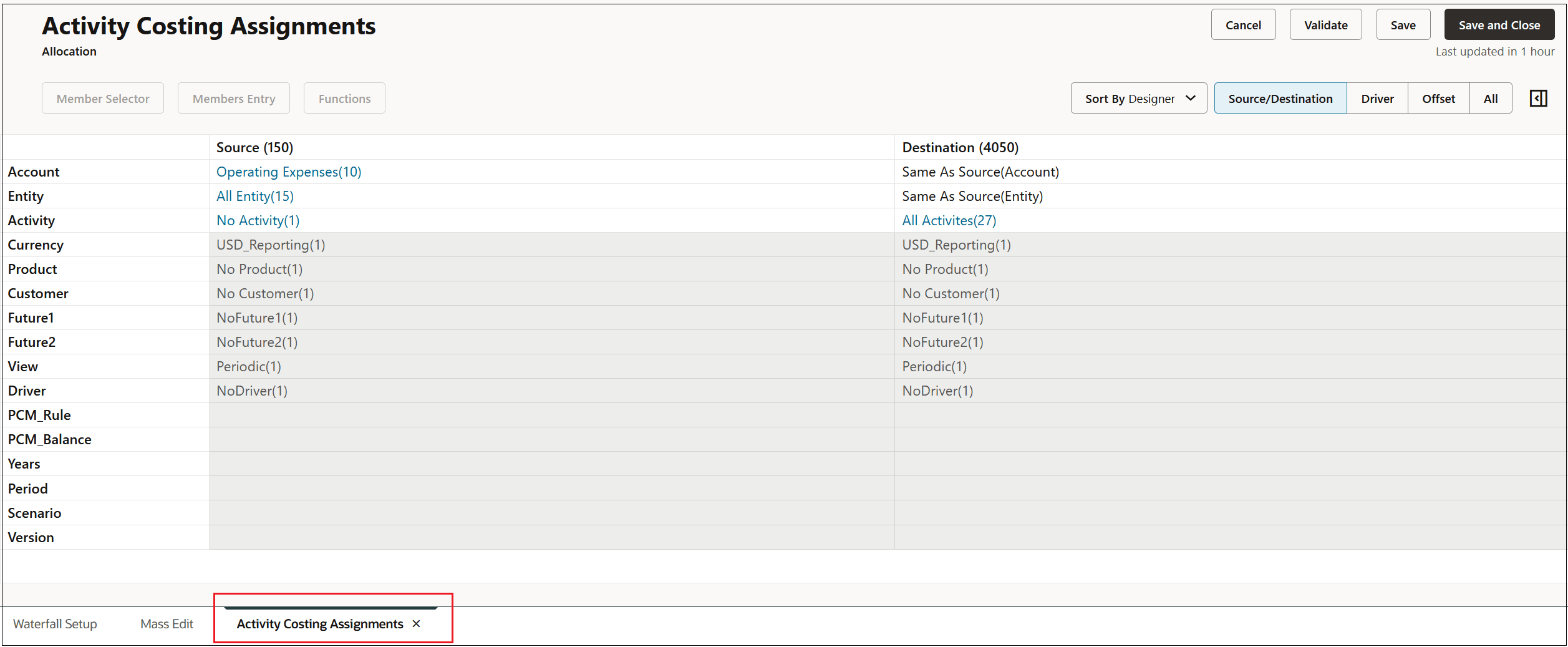
Editing a Single Rule from the Mass Edit Tab
From the Mass Edit tab, you have full edit capability on a single rule.
To edit a single rule from the Mass Edit tab, do one of the following:
-
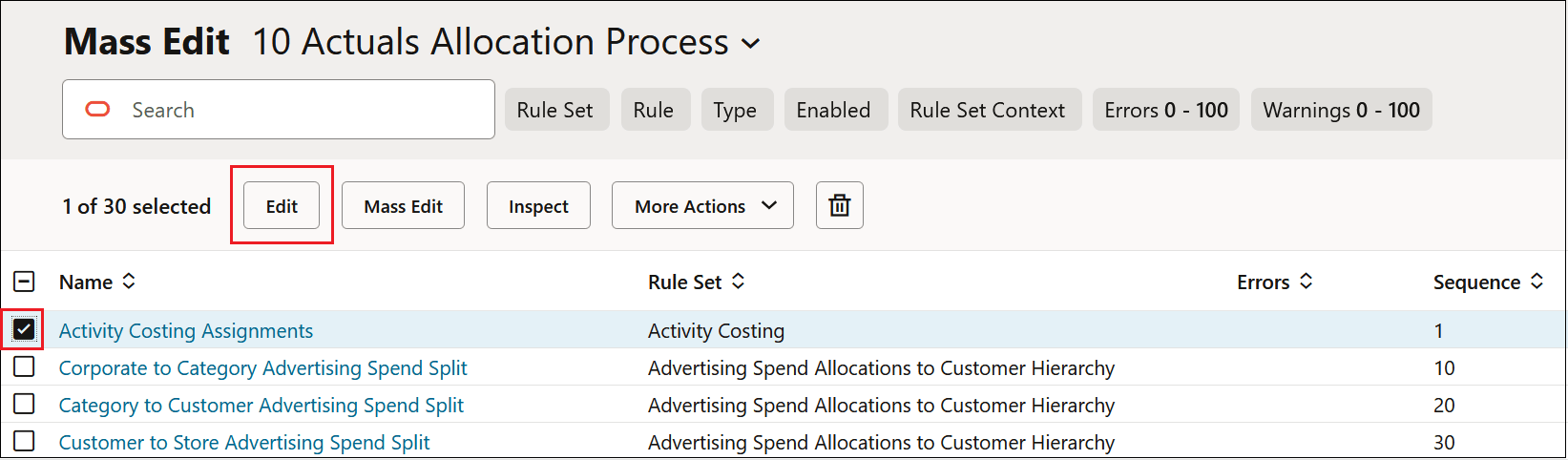
Click the checkbox next to a rule, and click Edit.
-
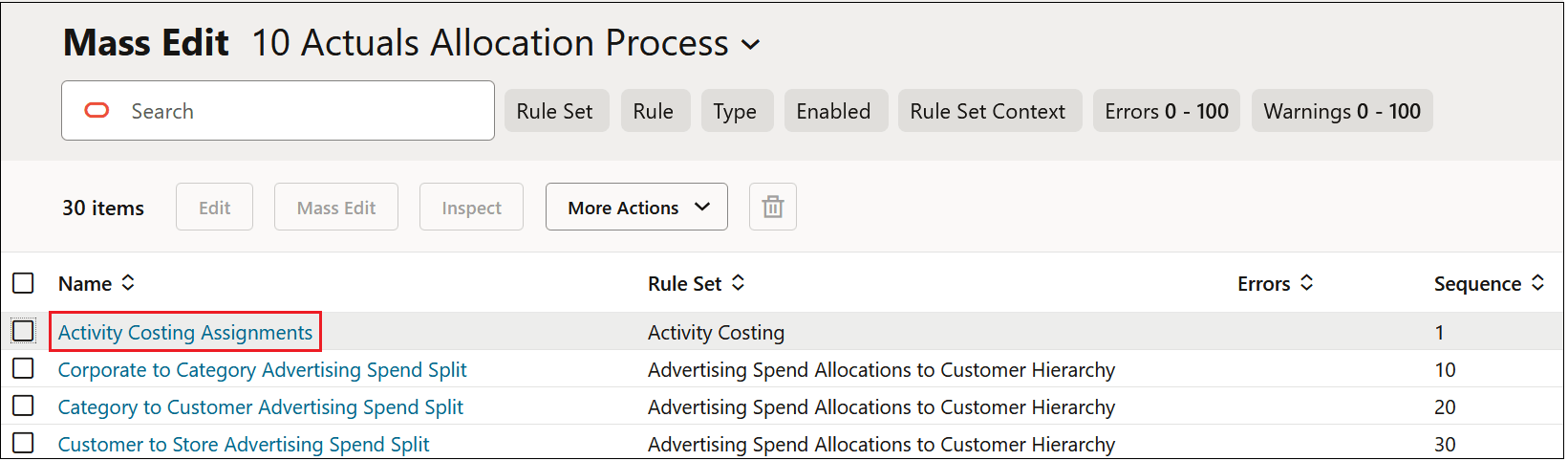
Click the hyperlink for a rule.
The rule is opened in a separate tab, where you can make the desired edits. (See Working in Rule Designer 2.0.)