Accessing the IAM Interface
Steps to access Oracle Cloud Infrastructure (OCI) Identity and Access Management (IAM) domains in the Oracle Cloud Console.
To access the Identity and Access Management (IAM) interface for a specific identity domain:
- Sign in to the Oracle Cloud Console as an Account Administrator or Identity Domain Administrator.
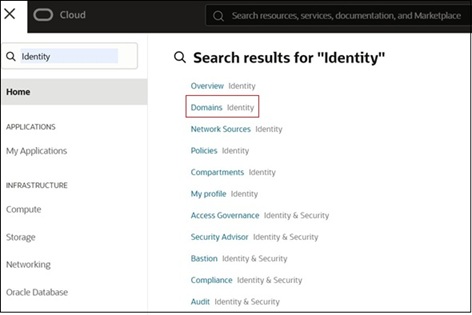
- From the Navigation menu, search for "Identity," and select
Domains.
- On the Domains page:
- To access your current domain, click the domain link on top under Current
domain message.

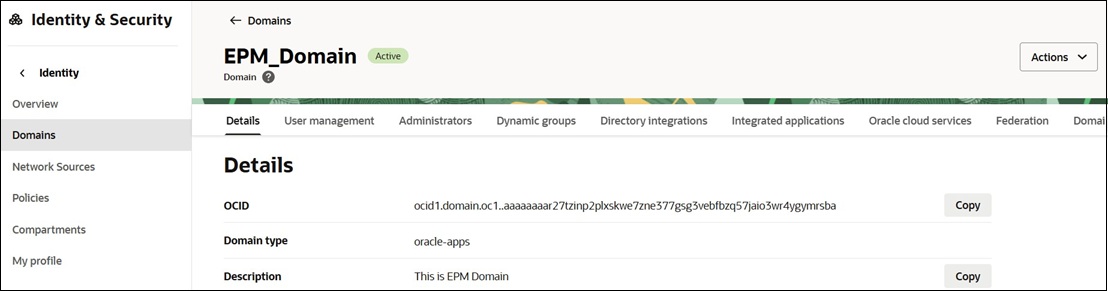
- To access a different domain, search for and select it from the list. You
will be directed to the Details tab of the selected domain.
- To access your current domain, click the domain link on top under Current
domain message.