Add an Icon to a Page
VB Studio provides an extensive gallery of icons that you can add to your pages using the icon component in the Components palette.
To add an icon component to a page:
- Open the page in the Page Designer and drag an icon component from the Components palette onto the canvas.
- Click the image button (
 ) under Icon in the General tab of the component’s Properties pane to bring up the Icon Gallery.
 -
Select the icon you want to use, then click Select.
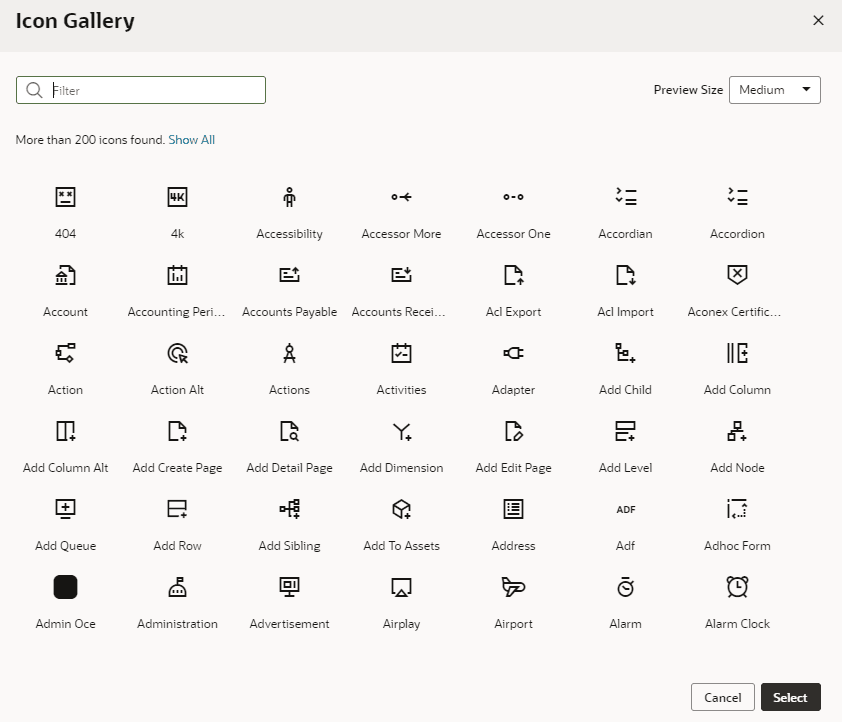
Description of the illustration page-designer-icongallery.png
- Specify properties as needed in the Properties pane. Or click the Events tab to trigger an action chain from a component event.