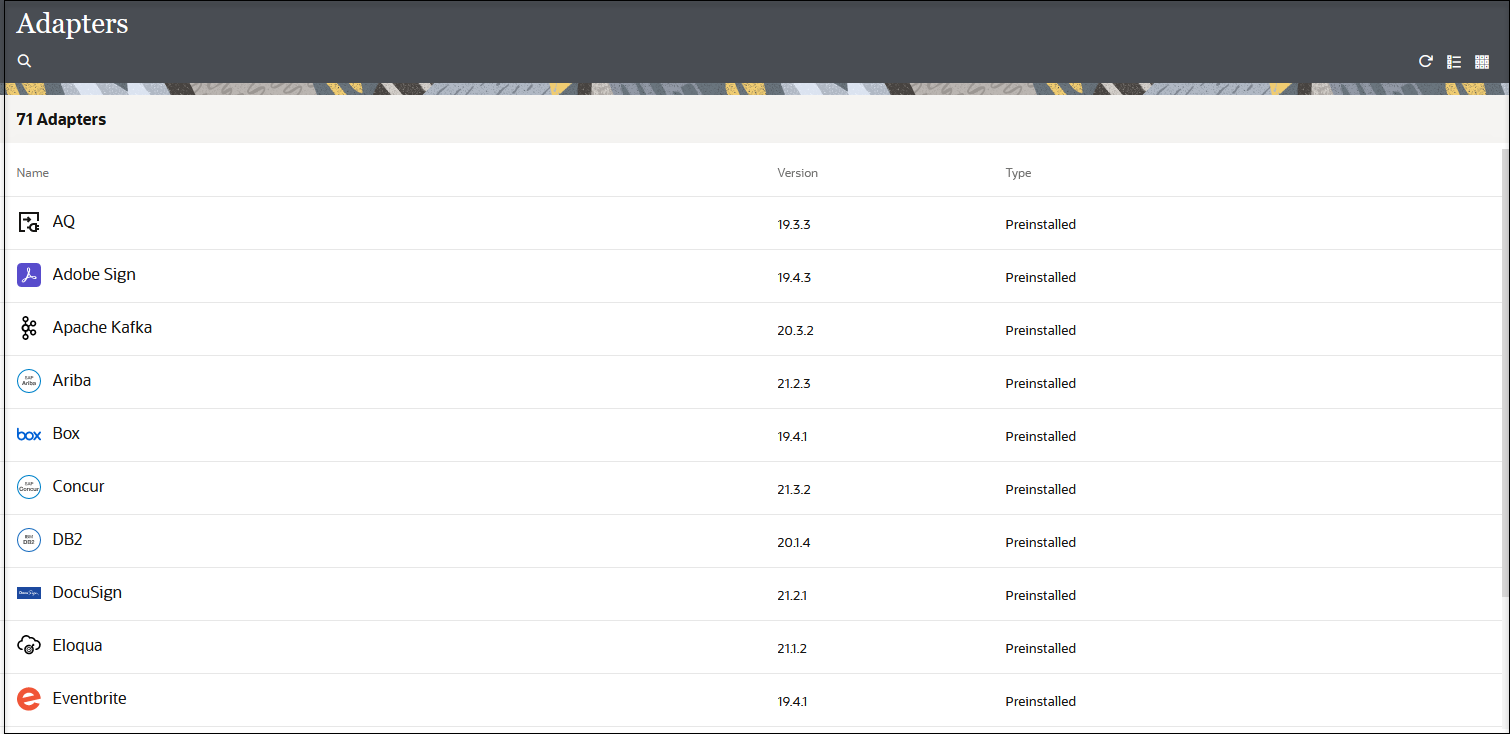
View Preinstalled Adapters
You can view the adapters preinstalled with Oracle Integration. You can also create a connection for a selected adapter on this page.
-
In the navigation pane, click Design, then Adapters.
-
Click the adapter name or hover over a row and click View
 to display information about the adapter.
-
To create an adapter connection, hover over its name, then click Actions
 and select Create Connection. The Create
connection panel is displayed for that adapter.
and select Create Connection. The Create
connection panel is displayed for that adapter.